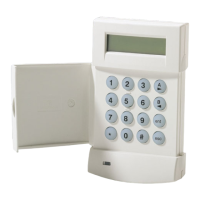
TURNING THE SYSTEM ON
SYSTEM READY
You can turn the Burglar portion of your security system on and off. Before you
can turn the system on, it must be “reedy; If you hsve a protected door open, or
someone is moving in view of a motion detector, the system will not dsplay
“ready.”
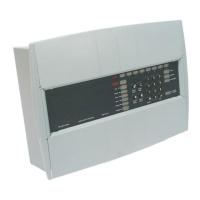
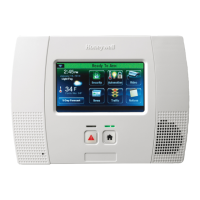
The system is ready If the ready light Is on or if the display ahowe:
m
TURN THE SYSTEM ON AND LEAVE
Enter your 4-@git user code
❑ oon
The System On (Arm) tight will go on or the display will show
m
Exit through a door designated by your installer as an exitientry door. You must
leave within the exit time programmed by your installer. Refer to the reference
sheet for the time that has been set for your system.
NOT READY
If the system is not ready to be armed, the READY light will be off and the Zone
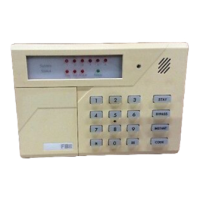
lights will show which zone or zones are not ready. The zone fights indicate the
following conditions, or the display will show as follows:
Faat Blink Alarm
Slow BlinWLow Intensity Bypass
Slow Pulse
Trouble
Solid On Not Ready
Example If the Ready fight is not tit and the zone one light ia solid on. An
alarm sensor on zone one ia faulted. This might mean that a window is open or
someone is walking in view of a motion sensor. Check all sensors on zone one
and resolve the problem. When all sensors are restored, the Ready light will
come on and the zone tight will go out. In this example, the display shows:
SYSTEM NOT READY
Page 7
—


 To Next Page
 Loading...