10
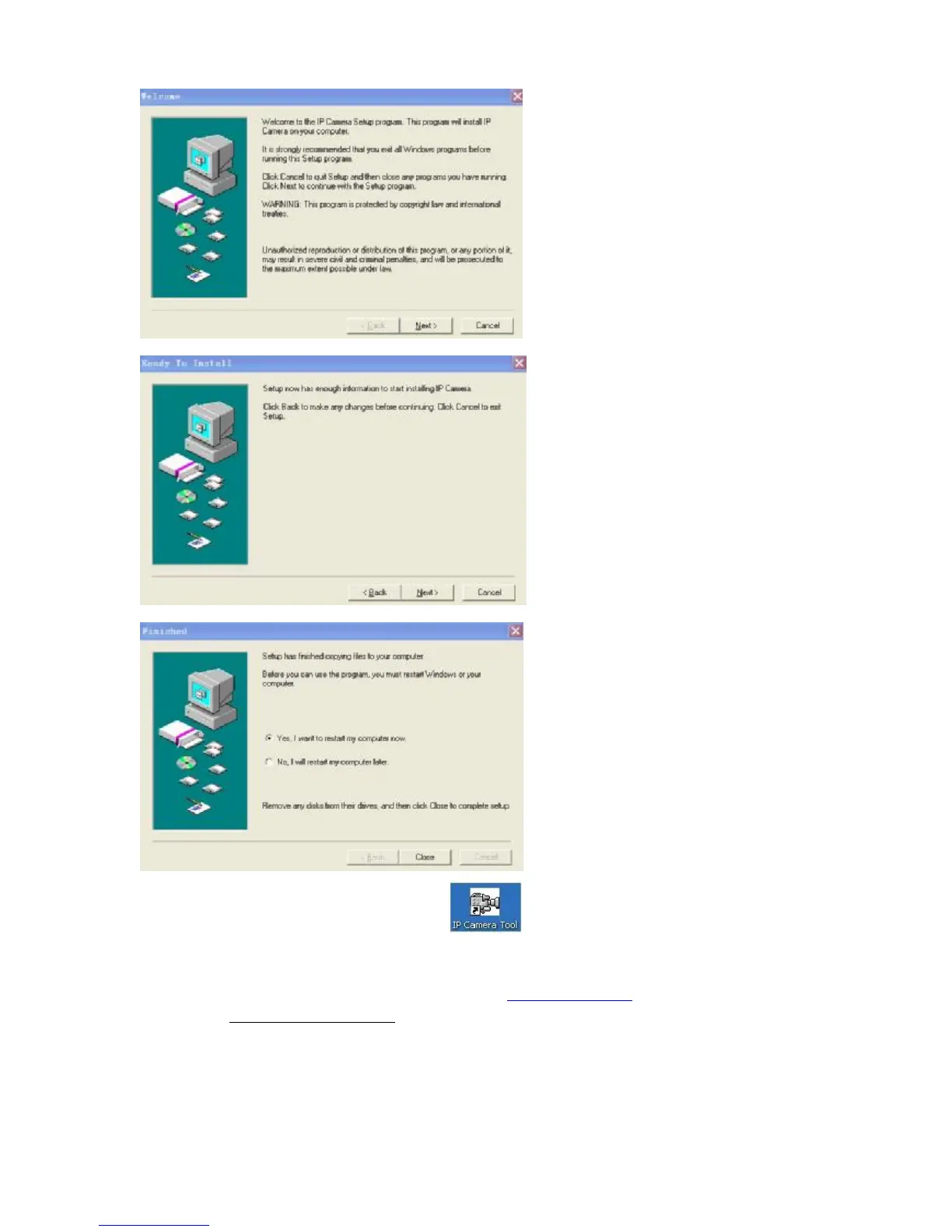
After this done, the icon “IP Camera Tool” will be displayed on desktop automatically.
2. Open web page,you can click open button behind inner visit address or outer visit
address in the search bar directly, also directly input relatively inner and outer visit address in
web page address bar, like the above photo address http://192.168.1.128
(LAN),http://aodn.aipcam.com(WAN)
3. When the item connects to outer networking, a log-in interface will appear:


 To Next Page