12
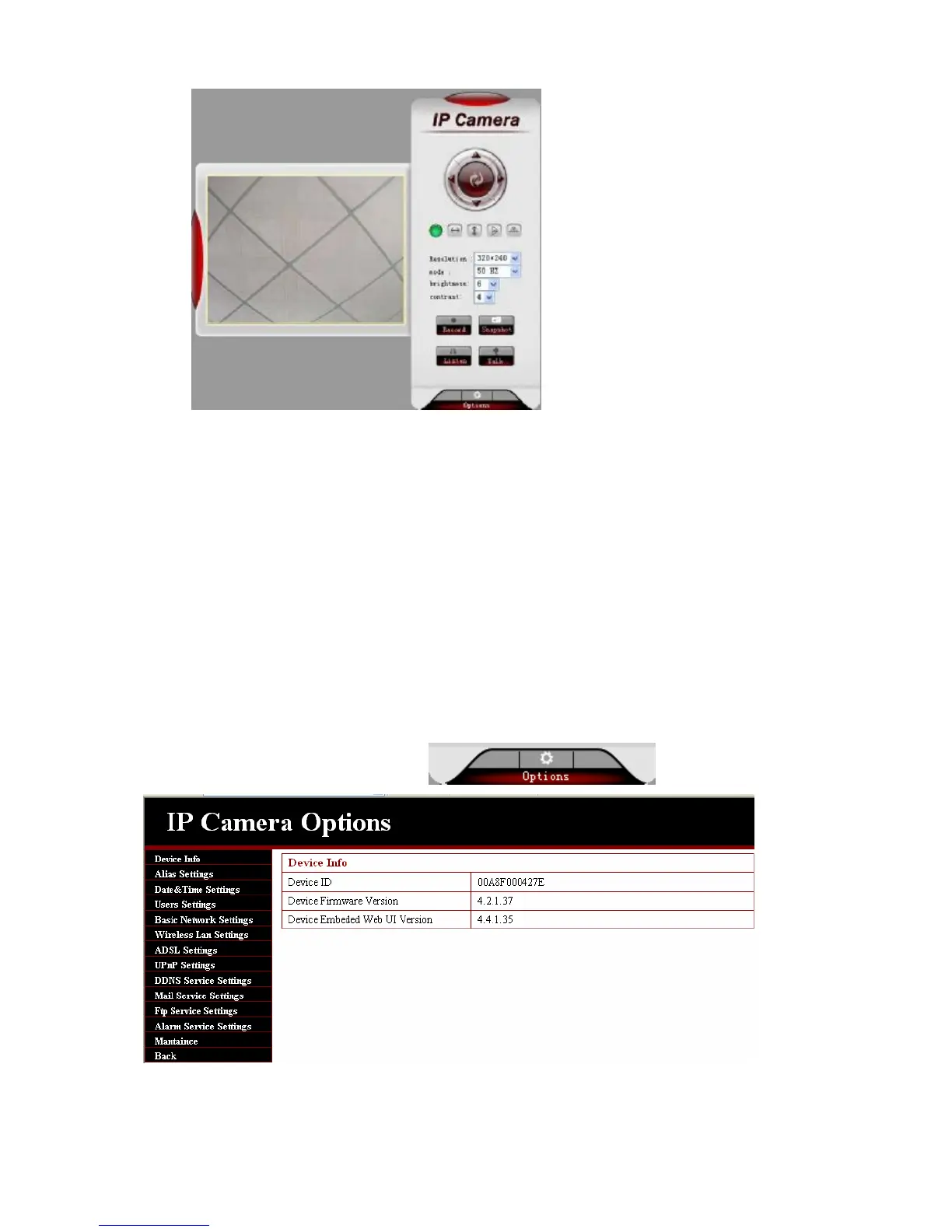
3.3.3. Operation
1. Image mirror indicates a reverse image.
2. Resolution, mode, brightness, contrast default setting are:320*240、50HZ、6、4,
mode is mainly for the adjustment of
Light strength, please adjust to 60HZ when light is poor or in dark.
3. There are 3 browse modes in IE mode: visitor, operator, administrator, the authority of
administrator is the highest, log in different authorities, the operation will be different.
Regarding to 3 user authorities, please refer to 3.4.4. Equipment User Administration.
3.4. Basic Settings
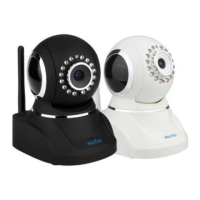
Click administration operation ,enter the parameter
Note: in basic setting, when you make a modification, please click setting. A hint interface
will pop up


 To Next Page