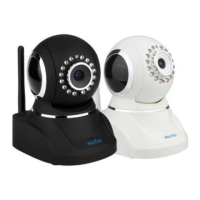
minute modification of IP camera, video could be connected by internet cable to IP camera;
under the normal condition, yellow light is on, green light flickers, now physical connection
of IP camera finish at this time (in order to connect successfully, we advise to set camera IP as
the stable IP at the same net range of PC in LAN , how to set, please refer to 8 frequent
questions answer).
3. IE Browse to IP Camera
After IP camera connects to PC LAN through router, you can operate on IP
camera via PC, first please run the relative software in the CD kit
3.1. Use Finder
Open the disk, doubl click “IPCamSetup.exe” file, only click next, you will complete the
software installation
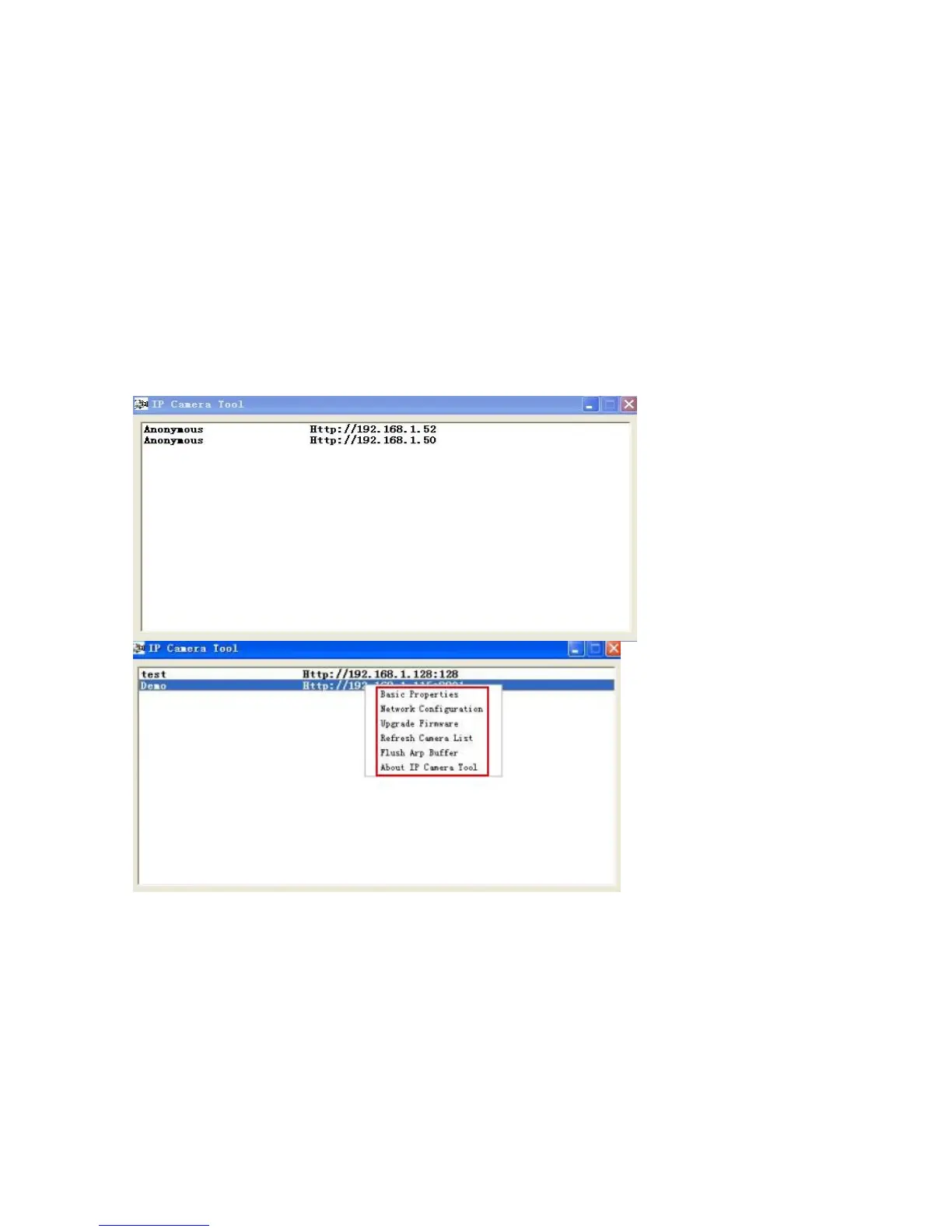
and appear the following interface:


 To Next Page