5
5. SCREEN INFORMATION
Sleep mode screen :
1. When the device is connected to the power sector (115 - 230 V), the screen goes to sleep mode after 2 minutes without use. To reactivate its operation, press
the ON/OFF button located at the rear panel of the device.
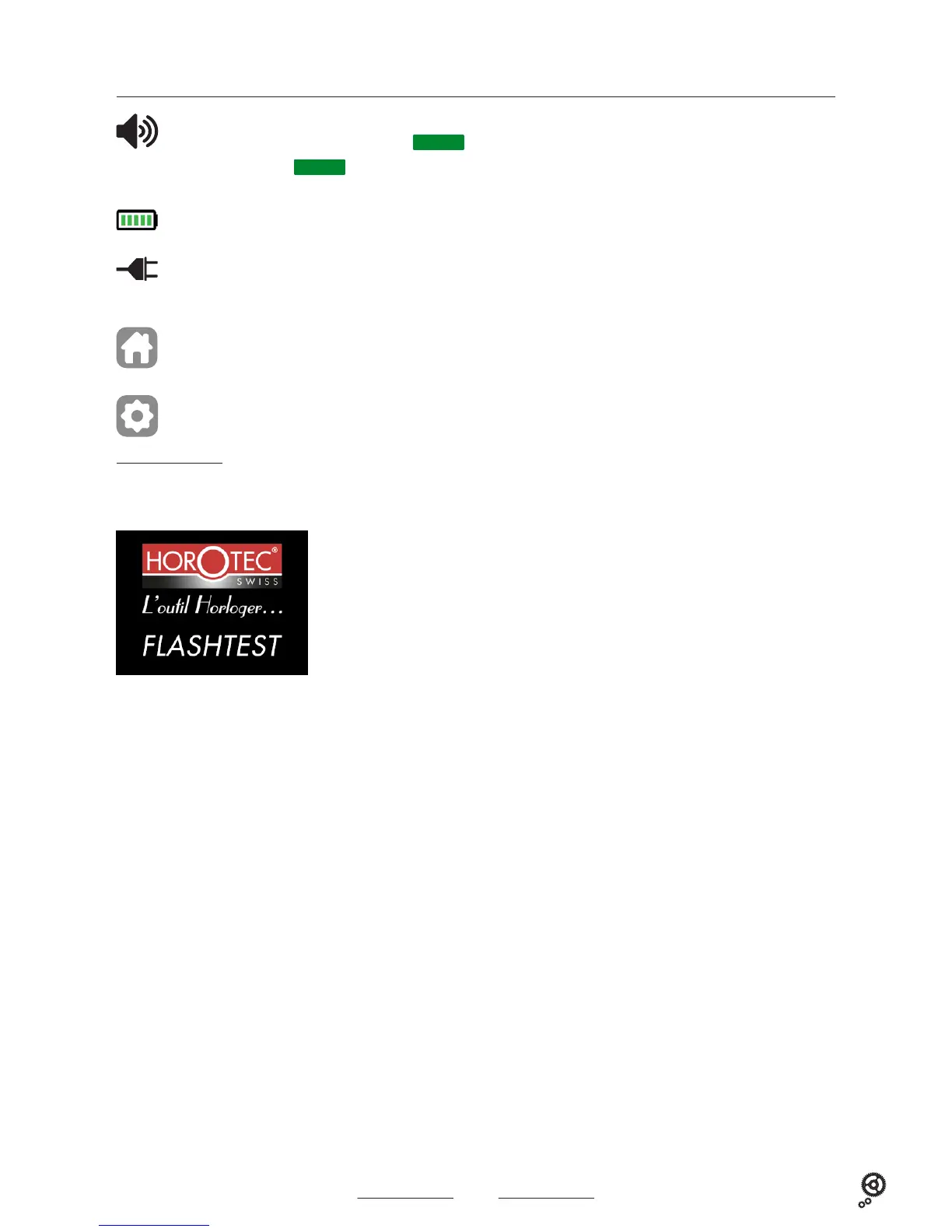
When this symbol is visible, the device emits sound signals.
When this symbol does not appear on the screen, the
MUTE
function is activated and the device is silent.
To activate/deactivate the
MUTE
function. see paragraph 8.I2 on page 15
When this symbol is visible, the device runs on the battery. The number of green bars indicates the battery charge level.
When this symbol is visible, the device is connected to the power sector 115 - 230 V.
The battery is automatically disconnected to allow its economy.
Return to the main menu.
Press this icon at any time to return to the main menu.
Settings. see paragraph 8.I on page 15
2. When the device is running on the battery, the screen goes to sleep mode after 2 minutes without use. To reactivate its operation, press the ON/OFF button
located at the rear panel of the device.
Touch the screen to return to the main menu.
Display in sleep mode.



 To Next Page