12
G. Checking the correct functioning of the circuit
Electric pulse
Ga1. Press the
CIRCUIT
key on the main menu
FLASHTEST
to check the electric impulses.
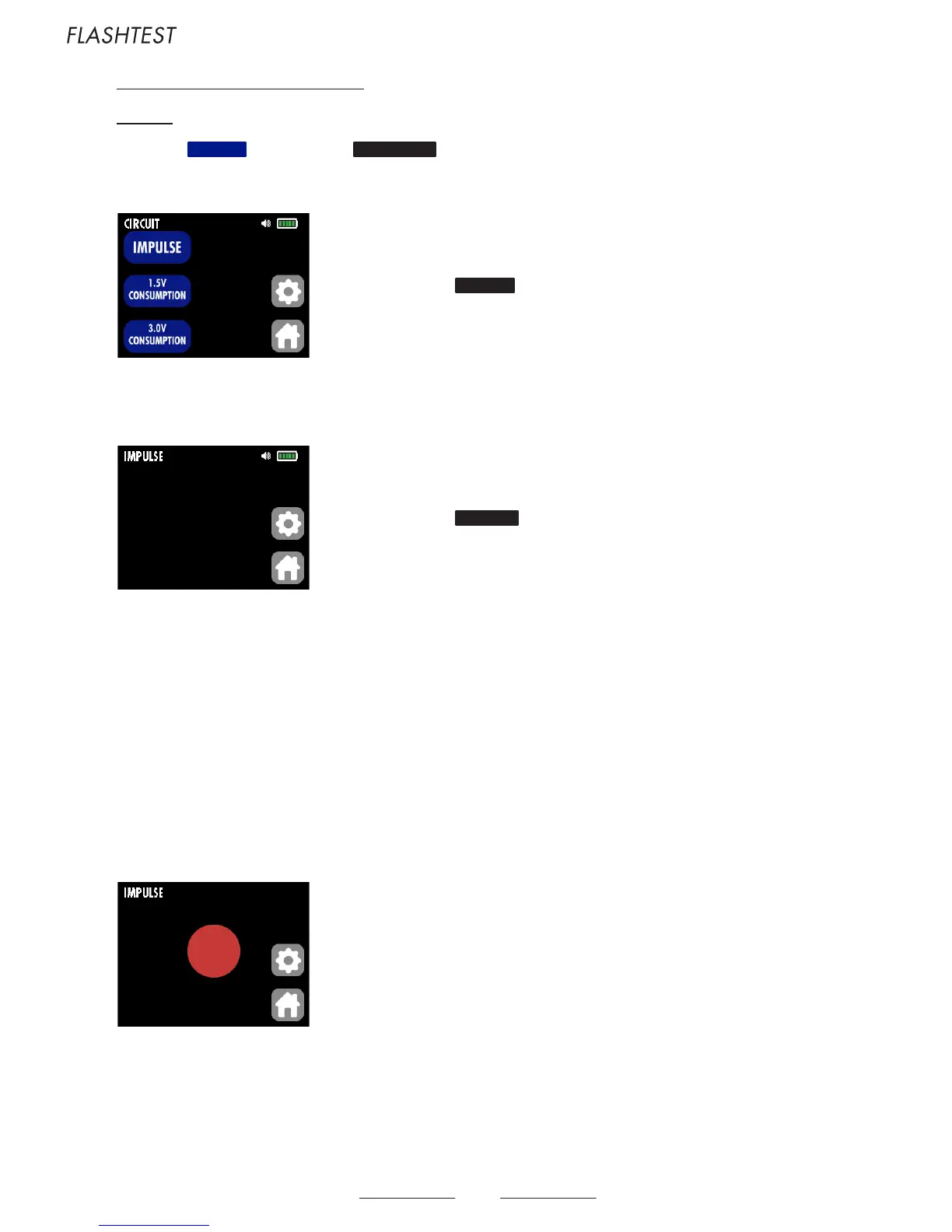
The following screen displays :
Ga2. Press the IMPULSE key of the submenu CIRCUIT.
The following screen displays :
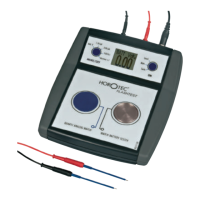
Place the watch on the blue velvet plate of the HOROTEC© Flashtest to make the fast test mentioned below (without precision probe).
The sensor receives the impulses of quartz mechanisms and represents them on the screen with a red circle (see picture below) and sound signals (beep) :
- Every second for «seconds» watches
- Every 5, 10, 20, 30 or 60 seconds for other watches
- Note : it is sometimes necessary to move or turn the watch on the sensor plate to find the ideal position for the perception of signals
Place the open watch or the mechanism on the blue velvet plate. Account should be taken of the fact that certain mechanisms generate signals every second,
while others only generate every 5, 10, 20, 30 or 60 seconds.
- If the HOROTEC© Flashtest receives impulses, but the hands do not turn, there is a mechanical problem.
Troubleshooting : check and/or clean the mechanical parts of the watch (blocked hands, dust, etc.).
- If the watch does not work, although it receives impulses, check the status of the coil as indicated previously. see paragraph 8.D on page 10
Display of the sub-submenu
CIRCUIT
Display of the sub-submenu
IMPULSE



 To Next Page