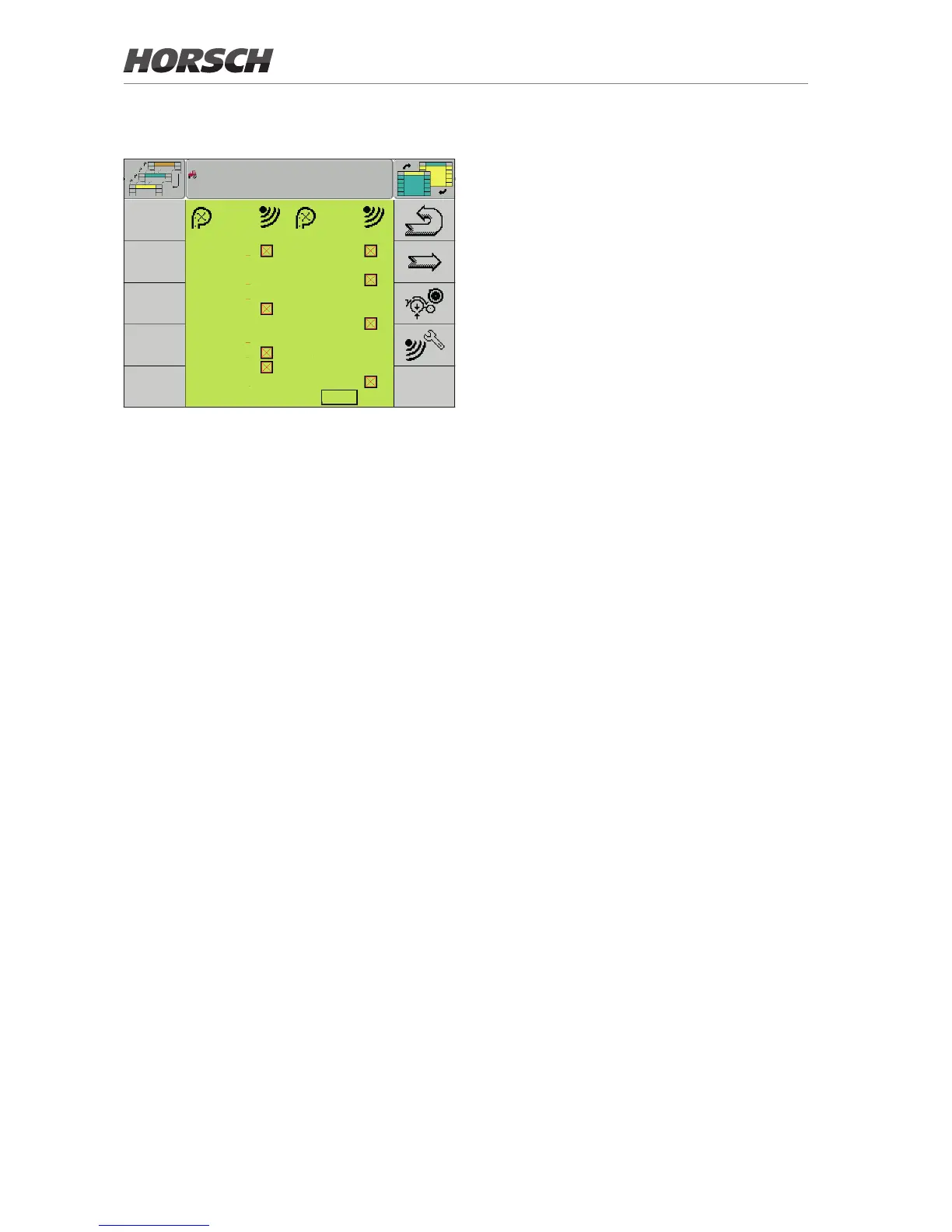
Section to row allocation
AF-S AF-S
1 : sct1 13 : sct2
2 : sct1 14 : sct4
3 : sct1 15 : sct4
4 : sct1 16 : sct2
5 : sct1 17 : sct2
6 : sct1 18 : sct3
7 : sct1 19 : sct3
8 : sct2 20 : sct3
9 : sct2 21 : sct3
10 : sct4 22 : sct3
11 : sct4 23 : sct3
12 : sct2 24 : sct3
Section - row allocation
¾ After allocating sensors to the row, allocate
the individual rows to the sections.
Between one and four sections can be allo-
cated, depending on the equipment version.
If so equipped, the status of the sensor is
indicated behind the respective row with al-
located section.
¾ Activate or deactivate the sensors as needed.
12



 To Next Page