>
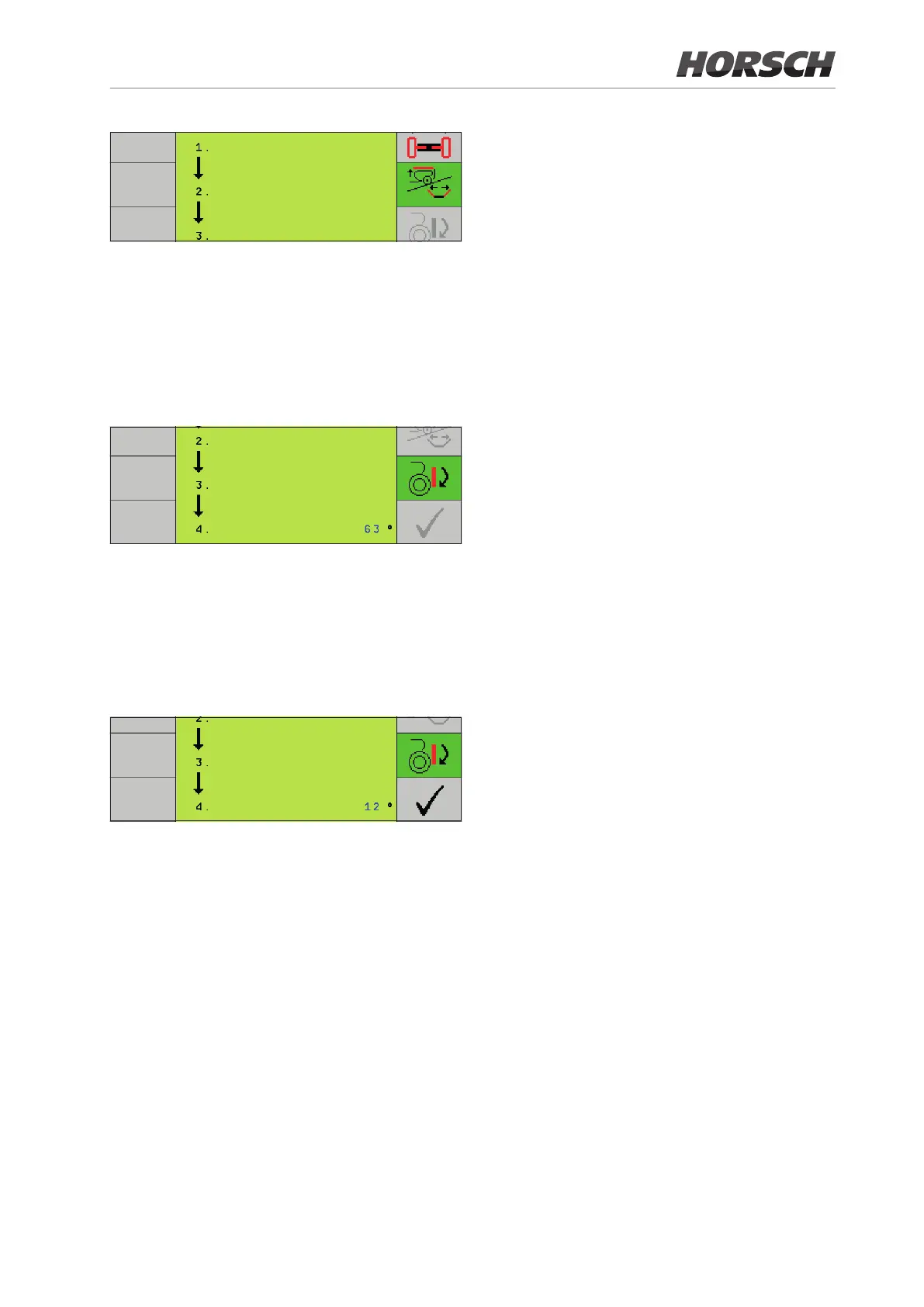
¾ Lift both wings out of the transport racks and
completely unfold the wings.
¾ At 75° the symbol to lower the attachment
block changes to black.
¾ Press the button for lowering. The symbol
becomes shaded green, and the block can
be lowered:
>
¾ At 50° the drill towers are automatically ex-
tended.
¾ At 20° the "
P
" button changes to black.
¾
P
press. The folding menu is closed and
the machine has been unfolded for use in
the eld.
>
33







 To Next Page