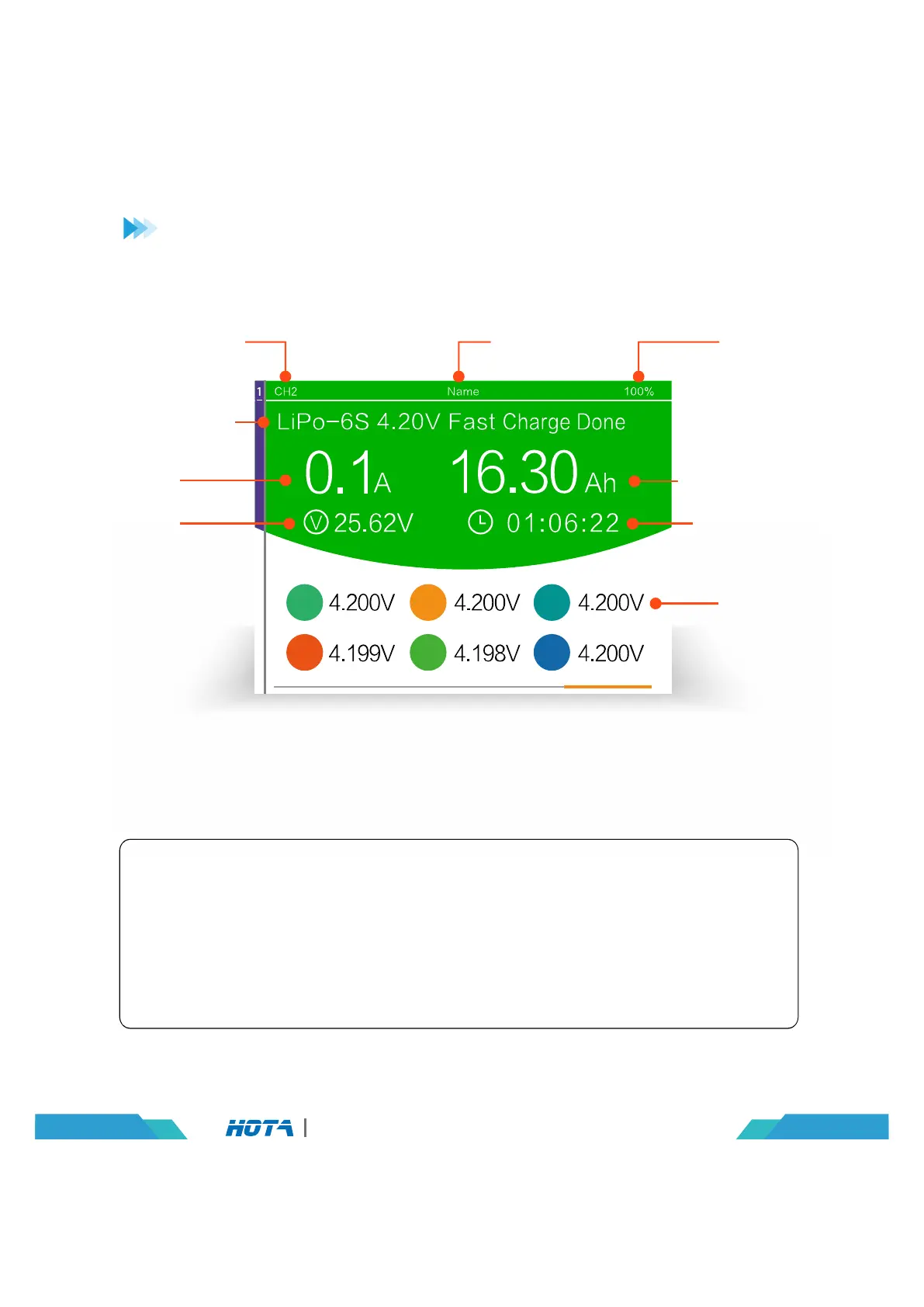
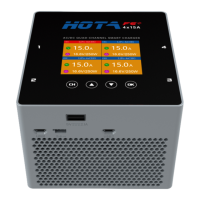
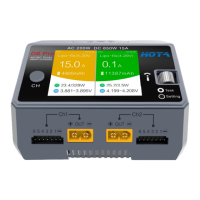
Working Parameters Display
Operation and Setup
1
4
2
5
3
6
Operation Time
Capacity Charged
Battery
Type- string
Number Current
Task Status
Present
Current
Current
Total Battery
Voltage
Cell Voltage
Device Name Completion
Percentage
Current Channel
15
D6 Pro AC/DC Dual Channel Smart Charger
Fast Charge Done Status Simple Operation
1. When charging is completed, the cell voltage difference is less than 20mV,
displayed fast charge Done;
(press the speed shuttle key to stop the task before removing the battery)
2. Long press the CH key can stop the current task;
3. Short press the CH key display the channel you choose.
Fast Charge Done


 To Next Page