1)
4)
8)
5)
6)
TROUBLESHOOTING ERROR CODES
50 SERVICE MANUAL
REVISION 04/19, SW: 3.51
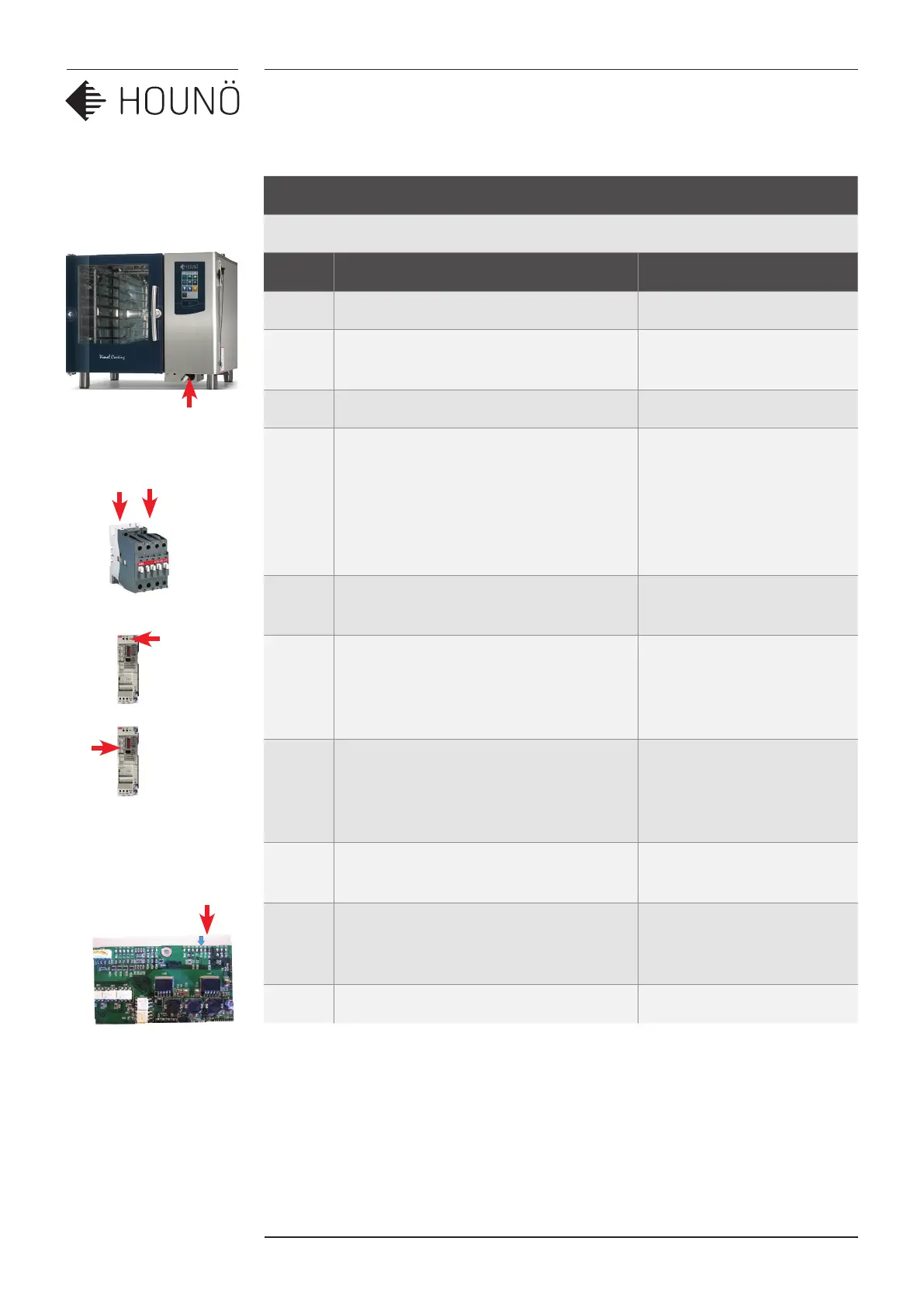
Error Code 14A + 14B
The rotational speed of the fan is too slow. (a=lower fan B=upper fan)
Steps Checklist Solution
1 Verify that the intake filter is not blocked. Clean, if necessary.
2 Go to the test menu and test if the fan
motor is running.
3 Check that the fan wheel is not blocked.
4 Check that the main contactor can be
activated.
Activate the main contactor in the
fan test menu. Verify that there is
24VAC between A1 and A2 on the main
contactor.
If 24VAC is measured, but
the main contactor is not
activated, change the main
contactor.
5 Verify that the frequency inverter
receives 230VAC on L/R and N/S.
Check the contactor.
6 Is the red LED in the frequency inverter
flashing?
Find out how often and check the
meaning of the flashes.
Change the frequency
inverter.
Contact HOUNÖ service at
techsupport@houno.com.
7 Verify that the rotation sensor measures
5VDC. (Measure 5VDC between the
black and the red cable on the rotation
sensor.)
If you can measure 5VDC,
but there is no signal from
the sensor, change the
sensor.
8 Verify that the 5VDC diode on the IO
board lights up.
9 Disconnect the J1 plug. If the 5VDC diode
emits light, there is a short circuit in the
wiring.
10 Does the diode light up? If not, change the IO board.



 To Next Page