32
PL1200 Thermal Transfer Printer
Operations
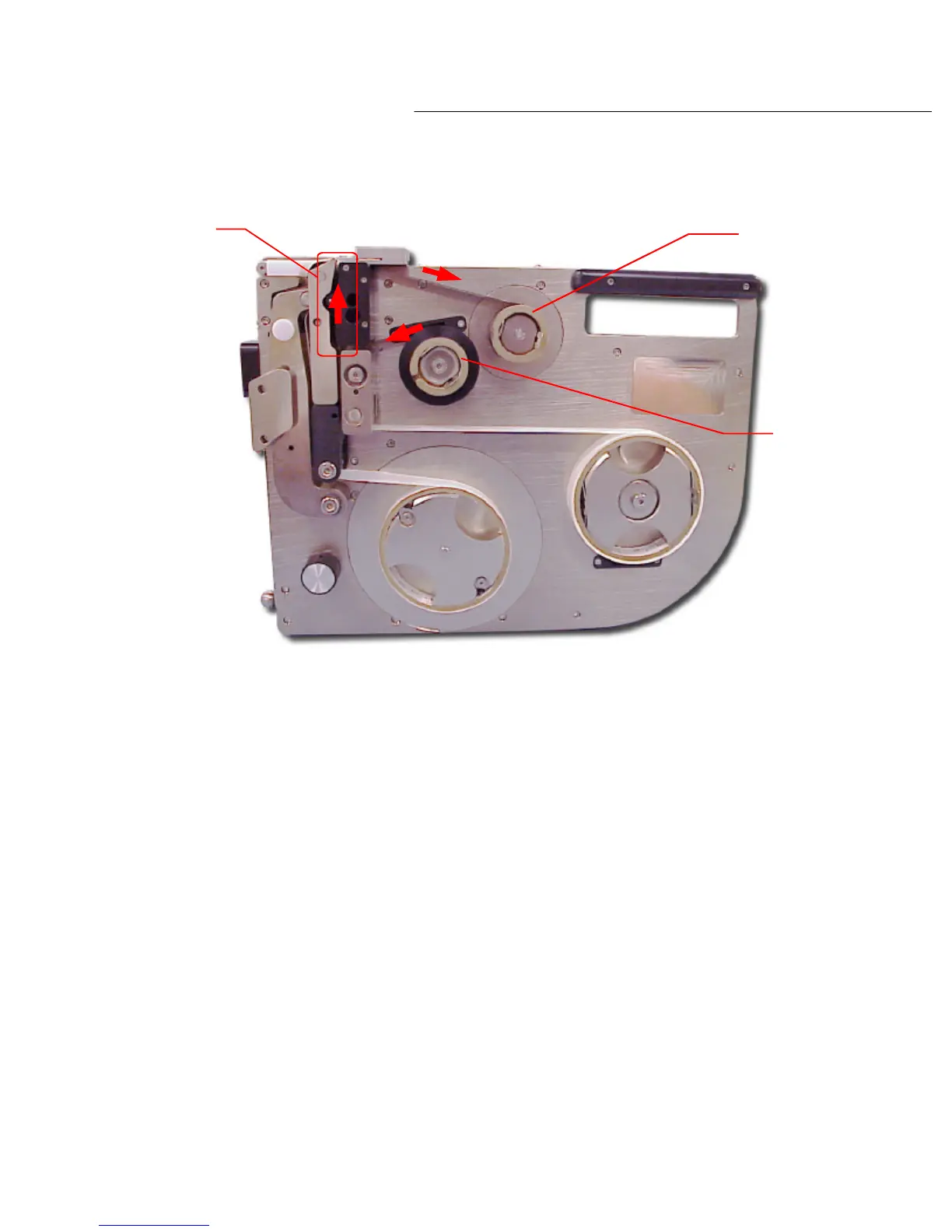
Diagram 4.5a
Feed the
tape between
these two parts
Stock
mandrel
Take up
mandrel
Next, feed the tape up and over the ‘print head cover’ and onto the ‘take up’ mandrels shown in
diagram 4.5a.
Now place the tape onto the ‘take up’ reel and secure it with a label.
By manually spinning the ‘take up’ mandrel clockwise, the tape will wind onto the reel. Spin it a
few times to check that the tape is secured to the core reel.



 To Next Page