
 Need help?
Do you have a question about the HoverCam Pilot 3 and is the answer not in the manual?
Instructions for connecting the Pilot to an AC power outlet using the retractable power cable.
Steps to turn on the Pilot device by pressing and holding the power button.
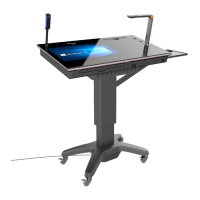
How to adjust the height and tilt of the Pilot podium using the control panel.
Details the 21-inch 10-point multitouch display and its gesture controls.
Information on using the slide-out physical keyboard and trackpad for operation.
Explains the HoverCast wireless HDMI transceiver system for casting to displays.
Step-by-step guide to setting up the HoverCast system by connecting transmitter and receiver.
Connecting iOS devices or HDMI output devices via cable for display and annotation.
 General
| Camera Resolution | 8 MP |
|---|---|
| Video Resolution | 1080p |
| Frame Rate | 30 fps |
| Connectivity | USB 3.0 |
| Compatibility | Windows, Mac |
| Focus | Auto Focus |
| Built-in Microphone | Yes |
| LED Lighting | Yes |
| Ports | USB 3.0 |
| Software Included | HoverCam Flex |

 To Next Page