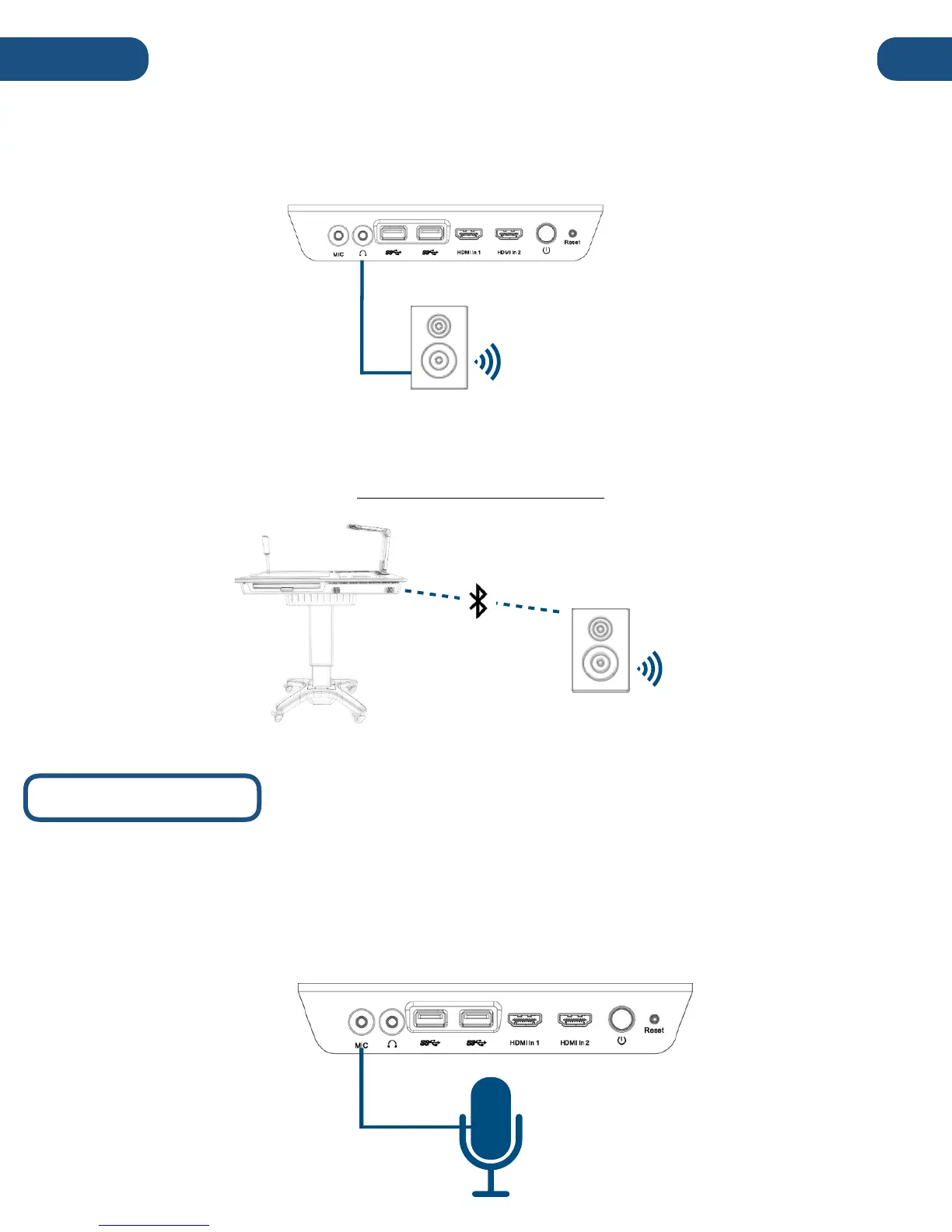
4. Auxiliary Audio-Out 3.5mm (wired)
The Pilot features a 3.5mm audio-out that can be found on the right side of the podium. Simply connect
the Pilot to an external audio system with a 3.5mm auxiliary cable or adapter.
5. Bluetooth
The Pilot’s internal PC contains a Bluetooth module that can output wirelessly to a wide variety of
Bluetooth audio devices. Consult the Windows 10 manual to learn more about connecting and
configuring Bluetooth audio devices: www.windows10-guide.com
The built-in Solo 8Plus Document Camera includes an internal microphone, which is the default
audio-in. An external microphone can be connected via the auxiliary-in located on the right side of
the podium, or via Bluetooth.
For detailed instructions on connecting and switching to external microphones and other audio-
inputs, refer to the full Windows manual: www.windows10-guide.com


 To Next Page