54 Chapter 11 D82007778Q 09/15
Appendix C: Locking Features
Your Teknique
®
is equipped with a locking feature. Please refer to the
appropriate instructions for the controller on your Teknique.
Key Lock Systems
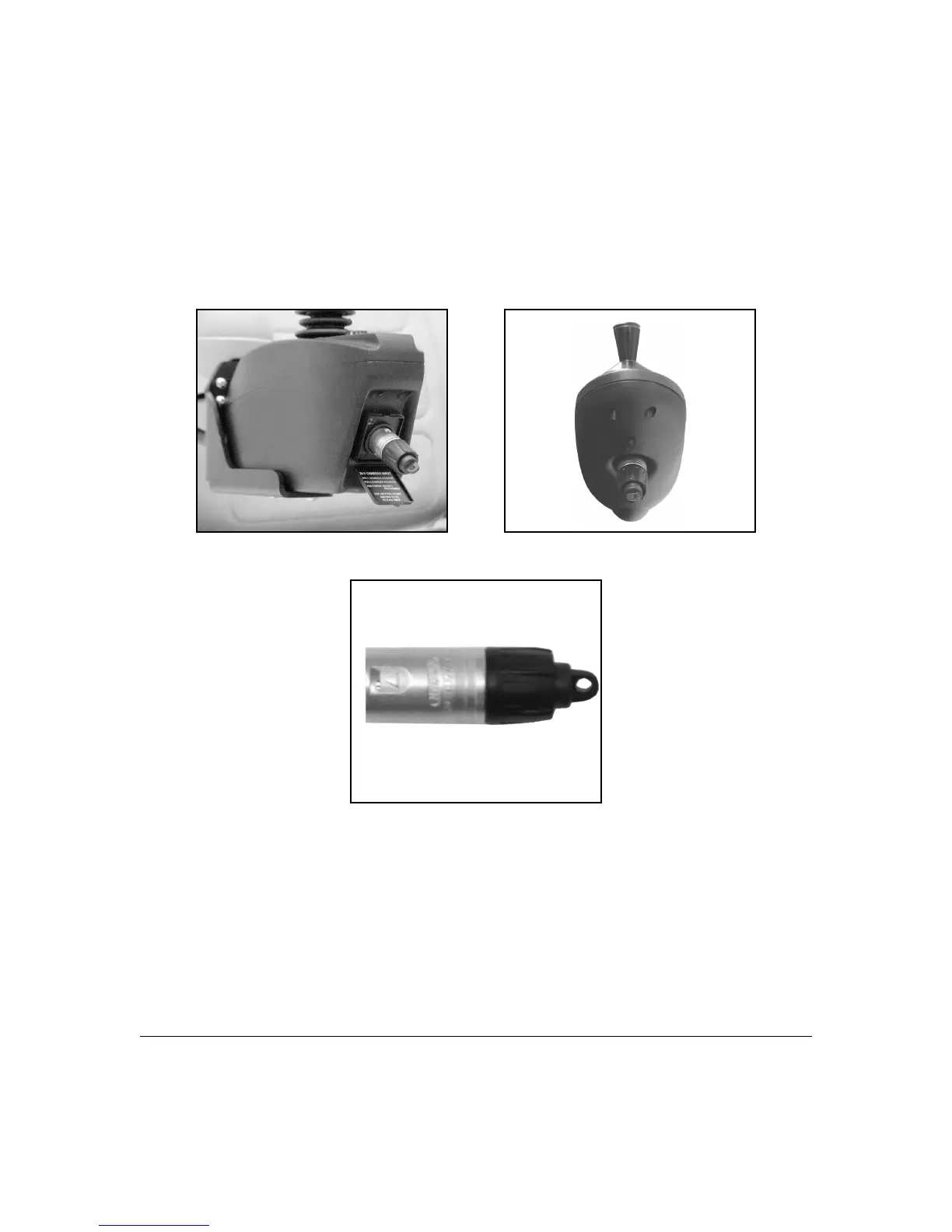
Figure 11E - Pilot Figure 11F - Pilot+
Figure 11G - Pilot & Pilot+ Key
1. Turn the controller on.
2. To lock the unit, insert and REMOVE the key at the charger port
(See Figure 11E and 11F above). Note: The key must be removed
for controller to lock. Press the on/off button. When the display
cycles, the chair is locked. If you want to shut off the cycling display,
press the on/off button. The chair cannot be operated or driven
when locked.



 To Next Page