5–80 Maintenance and Service Guide
Removal and Replacement Procedures
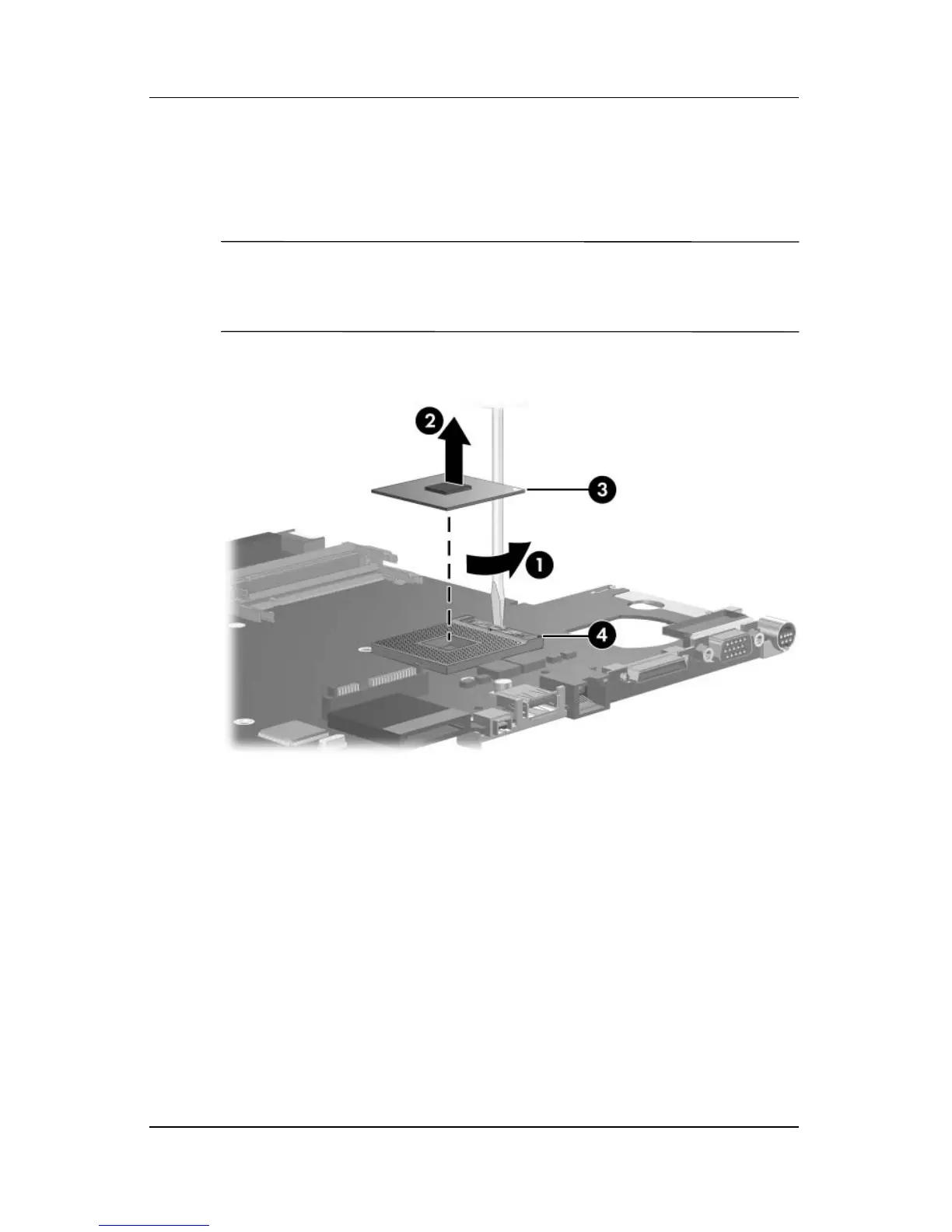
2. Turn the processor locking screw 1 one-half turn
counterclockwise until you feel a click.
3. Lift the processor 2 straight up and remove it.
✎
The gold triangle 3 on the processor should be aligned with
the triangle icon 4 embossed on the processor socket when
you install the processor.
Removing the Processor



 To Next Page