Break-even
109
11 B r e a k - e v e n
The break-even function allows you to study problems involving a profit, when a quantity of
items, with a cost to manufacture and a fixed price to develop and market, is sold at a given
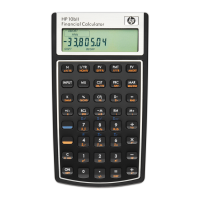
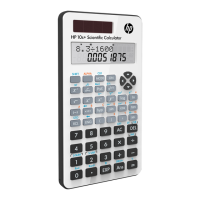
price. On the 10bII+, break-even calculations are performed using the functions printed in
blue on the keyboard located under the blue bracket titled, BREAKEVEN. Break-even
calculations are based on data entered into these keys, which are listed in the table below:
The Break-even Keys
When entering data for break-even calculations, results are calculated based on data entered
into specific memory registers. When pressed, the keys used for these operations:
• store data.
• enter known data for variables used during calculations.
• calculate unknown variables based on stored data.
Table 11-1 Break-even keys
Key Description
]OY
Clears break-even memory.
]¬
Stores the quantity of units required for a given profit or calculates it.
]©
Stores the sales price per unit or calculates it.
]¦
Stores variable cost per unit for manufacturing or calculates it.
]£
Stores the fixed cost to develop and market or calculates it.
]~
Stores the expected profit or calculates it.


 To Next Page