3
2 Monitor features
This chapter provides an overview of the monitor’s features.
Features
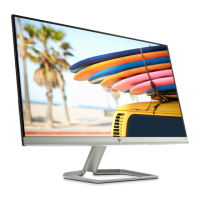
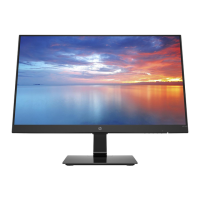
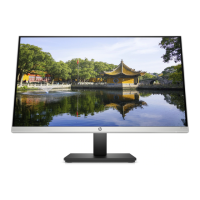
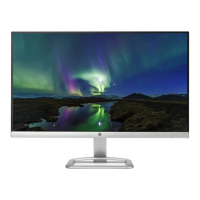
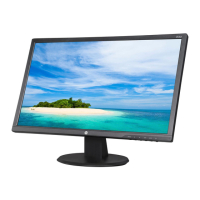
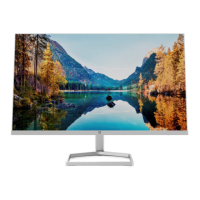
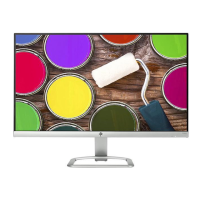
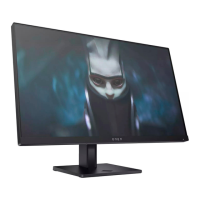
Depending on the model, your monitor might include the following features:
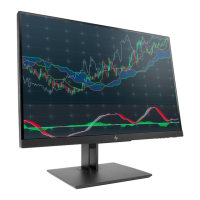
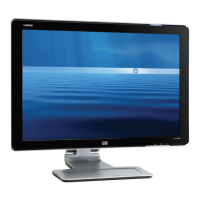
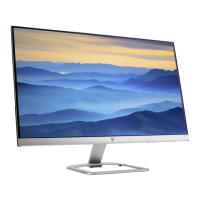
● 54.61 cm (21.5 in) diagonal viewable area with 1920 × 1080 resolution, plus full-screen support for
lower resolutions, includes custom scaling for maximum image size while preserving the original
aspect ratio
● 60.47 cm (23.8-inch) diagonal viewable screen area with 1920 × 1080 resolution, plus full-screen
support for lower resolutions
● 68.6 cm (27-inch) diagonal viewable screen area with 1920 × 1080 resolution, plus full-screen
support
for lower resolutions
● Anti-glare screen with an LED backlight
● Wide viewing angle to allow viewing from a sitting or standing position, or moving from side to side
● Tilt, swivel, and height-adjustment capability
● High–Definition Multimedia Interface (HDMI), and VGA video inputs
● AMD FreeSync-qualified, providing PC gaming enjoyment with smooth, responsive, tear-free
performance whenever a picture changes on the screen
● Four Function buttons under the right side of the front bezel, three that can be reconfigured to quickly
access the most commonly used operations
● Plug-and-play capability if supported by the operating system
● Security slot provision on rear of monitor for optional cable lock
● On-Screen Display (OSD) adjustments in several languages for easy setup and screen optimization
● HP Display Center software for adjusting monitor settings and enabling theft deterrence features
● HDCP (High Bandwidth Digital Content Protection) copy protection on all digital inputs
● Energy saver feature to meet requirements for reduced power consumption
NOTE: For safety and regulatory information, refer to the Product Notices provided in your documentation
kit. To access the latest user guides or manuals for your product, go to http://www.hp.com/support and
follow the instructions to find your product. Then select Manuals.


 To Next Page