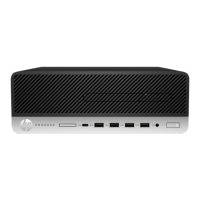
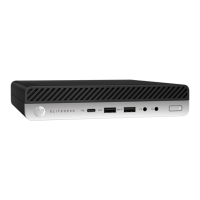
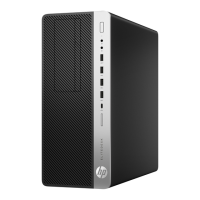
Front bezel security
The front bezel can be secured in place by installing a screw through the front of the chassis into the front bezel.
1. Prepare the computer for disassembly (Preparation for disassembly on page 15).
2. Remove the access panel (Access panel on page 16).
3. Install a 6-32 screw through the front of the chassis and into the screw hole located below the center bezel
release tab.
4. Replace the computer access panel.
5. Reconnect the power cord and any external devices, and then turn on the computer.
6. Lock any security devices that were disengaged when the access panel was removed.
Drive cage
The drive cage must be fully removed to service internal components. To remove the drive cage:
1. Prepare the computer for disassembly (Preparation for disassembly on page 15).
2. Remove the access panel (Access panel on page 16).
3. Remove the front bezel (Front bezel on page 17).
4. Remove the slim optical drive (Removing a slim optical drive on page 28).
5. Disconnect the power cable and SATA cable.
18 Chapter 4 Removal and replacement procedures


 To Next Page