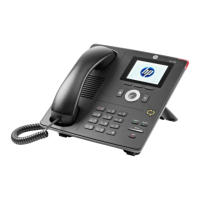
HP 4110 Quick Start Guide
11
E
N
G
L
I
S
H
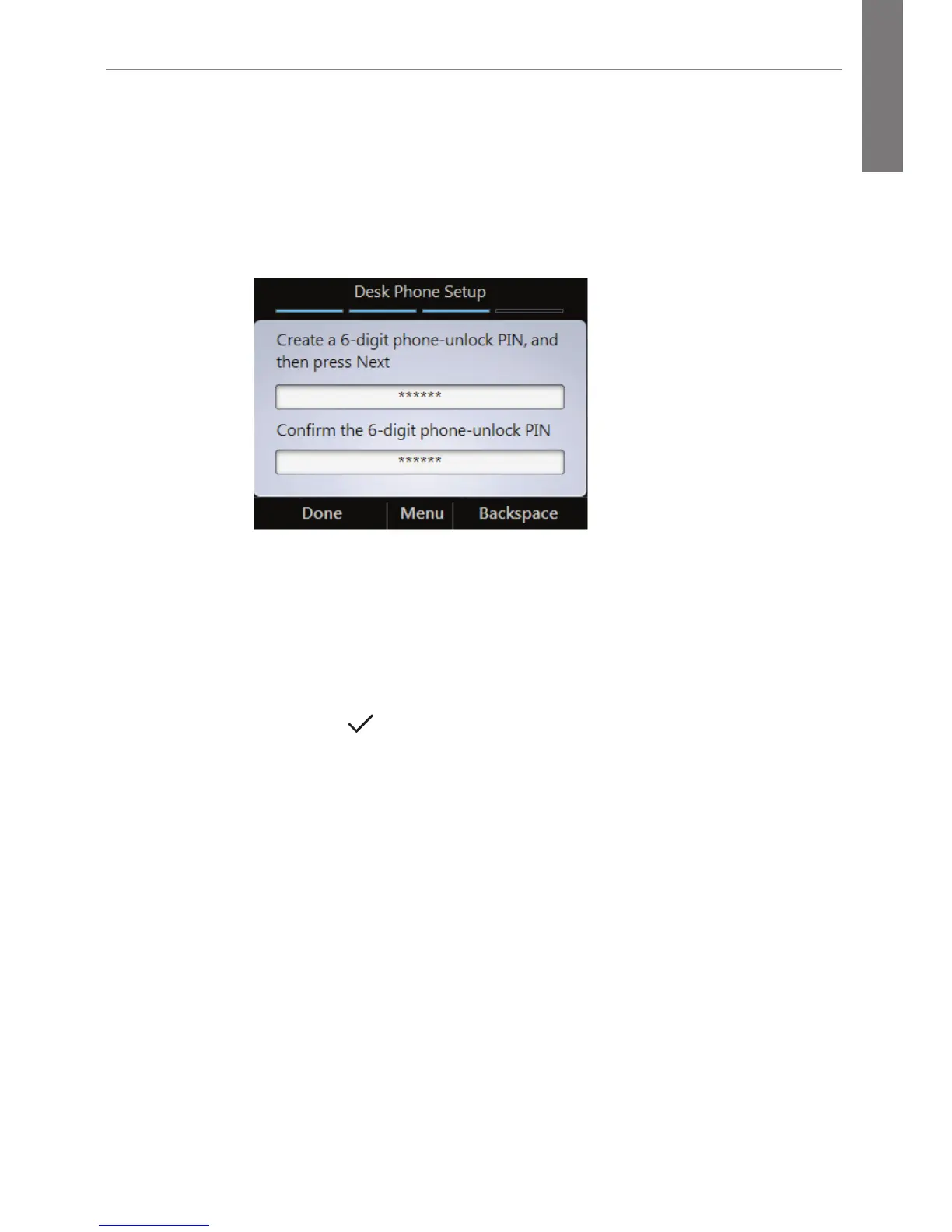
To configure the auto-lock PIN:
1. On the Desk Phone Setup screen, enter a PIN.
Note: By default, common patterns are not permitted in the
PIN field; however, your administrator may have changed the
defaults.
2. Enter the PIN again.
3. Click Done.
To change your PIN once it has been set:
1. Click the Menu key, and select Settings.
2. Press the key.
3. Select Change PIN.



 To Next Page