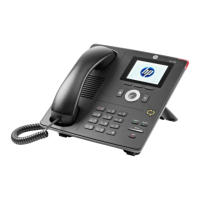
HP 4110 Quick Start Guide
14
ENGLISH
E
N
G
L
I
S
H
Mute key: Turns microphone on/off.
Speakerphone key: Turns speakerphone on/off.
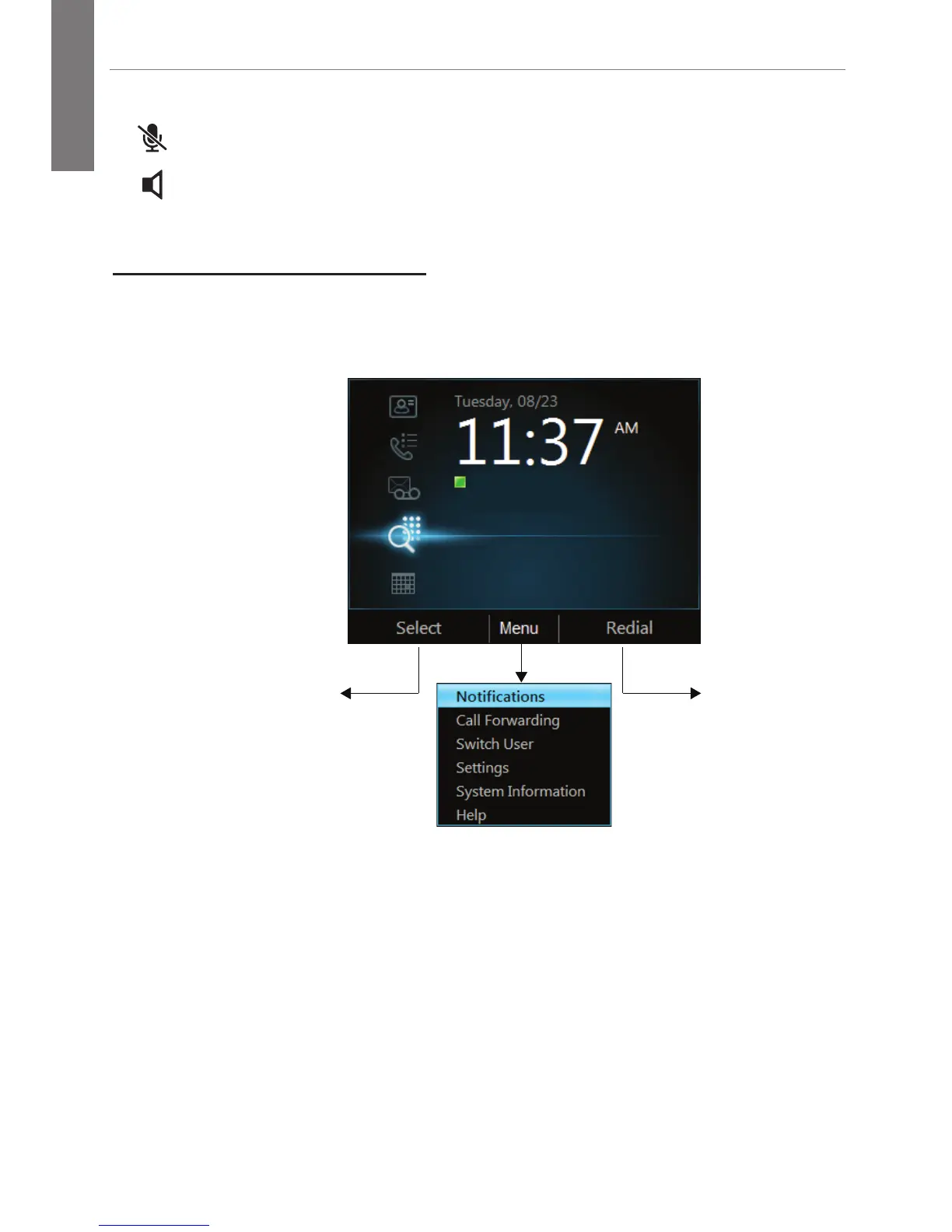
Phone User Interface
The home page of the phone user interface is shown below. To see
additional options, press Menu. See next page for an expanded view.
Contacts
Call Log
Voice Mail
Search or Dial a Phone Number
Calendar
Context-Sensitive
Soft Key
Confirm Soft Key
(same as check mark)



 To Next Page