HP 4110 Quick Start Guide
17
E
N
G
L
I
S
H
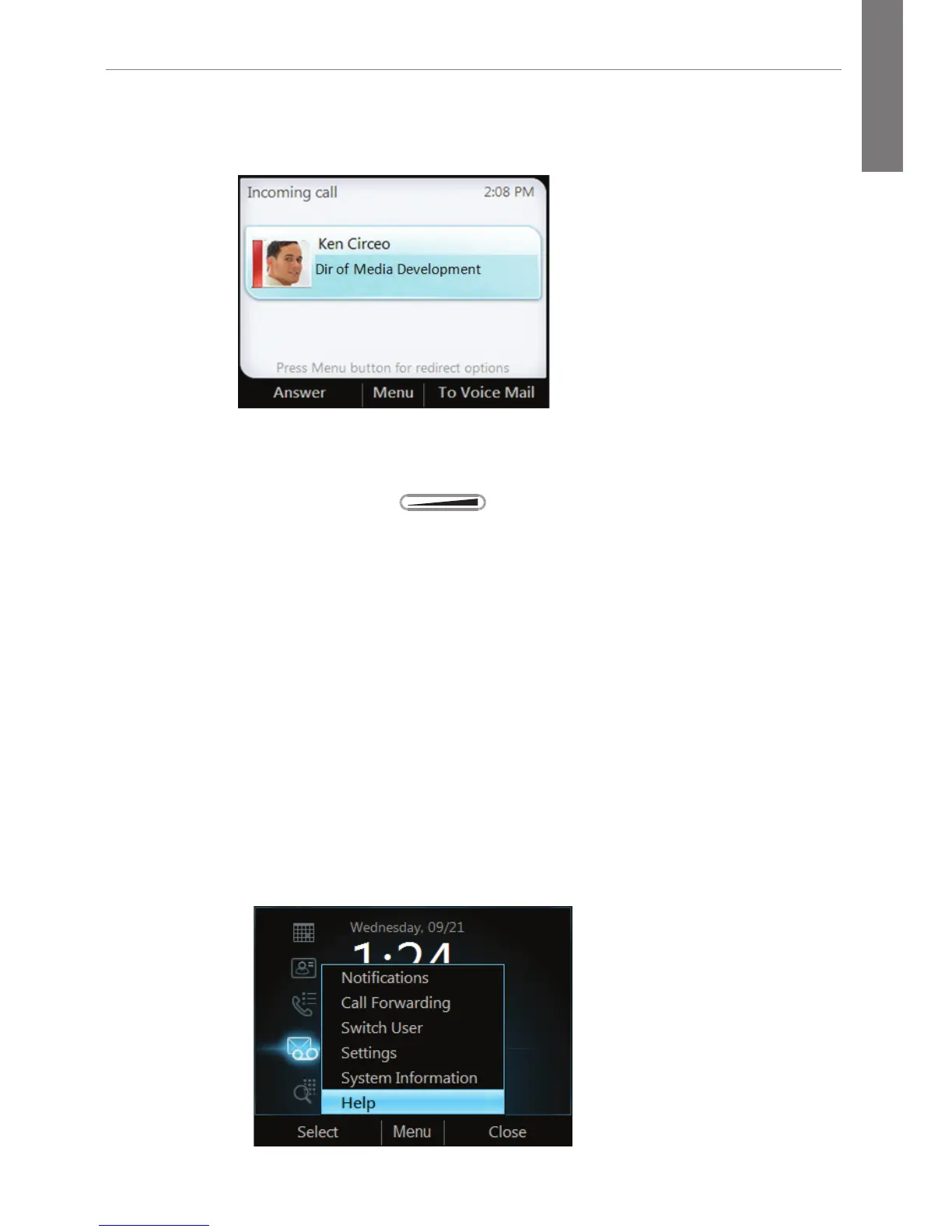
■ To send the caller directly to your voice mail, select To Voice
Mail.
Control the Volume
From the phone, press .
Mute a Call
■ To mute yourself when in a call, press the Mute key on the
phone, or select Hold. To unmute, press the Mute key again.
■ To mute everyone except yourself during a conference call,
select Mute All But Me.
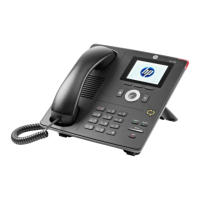
Access Help Topics
To access help topics from the phone:
1. Press Menu from the home page.
2. Select Help.



 To Next Page