HP 4110 Quick Start Guide
16
ENGLISH
E
N
G
L
I
S
H
Using the Phone
Make a Call
Pick up the handset and dial, or do any the following.
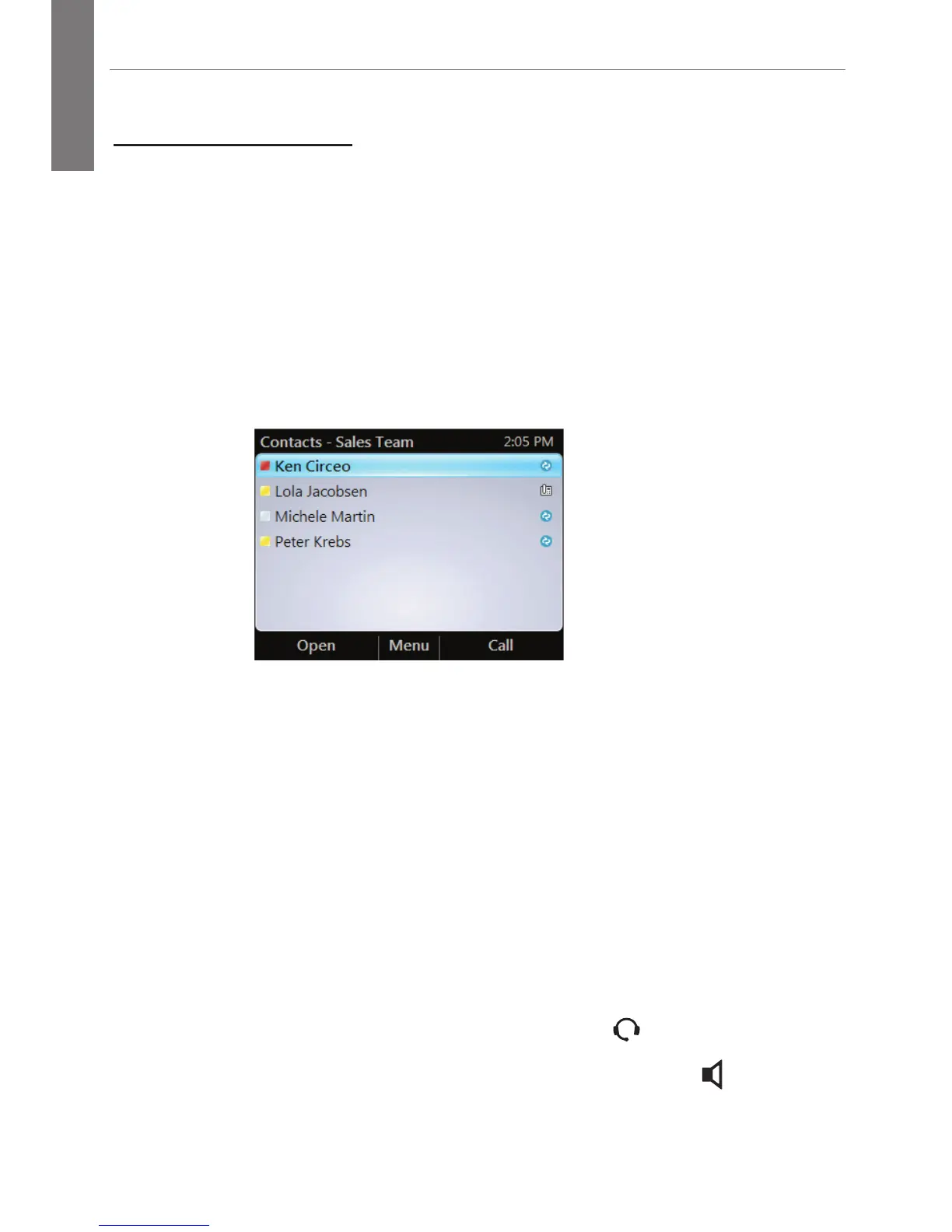
Use a Contacts List
1. From the Home screen, select the Contacts icon.
2. Select the contact group the user is in.
3. Select the contact’s name, then press Call.
Search for a Contact
1. Press the numbers on the keypad that correspond to the
contact name or the phone extension. For example, to find
"Tony Smith," begin pressing 8669*76484, where "*" is the
space between the first and last name.
2. Select the contact’s name, then press Call.
Receive a Call
From the Incoming Call screen, do one of the following:
■ To receive the call, select Answer or pick up the handset.
■ To receive a call with a headset, press
.
■ To receive a call using the speakerphone, press
.



 To Next Page