HP 4110 Quick Start Guide
12
ENGLISH
E
N
G
L
I
S
H
Customizing Your Phone
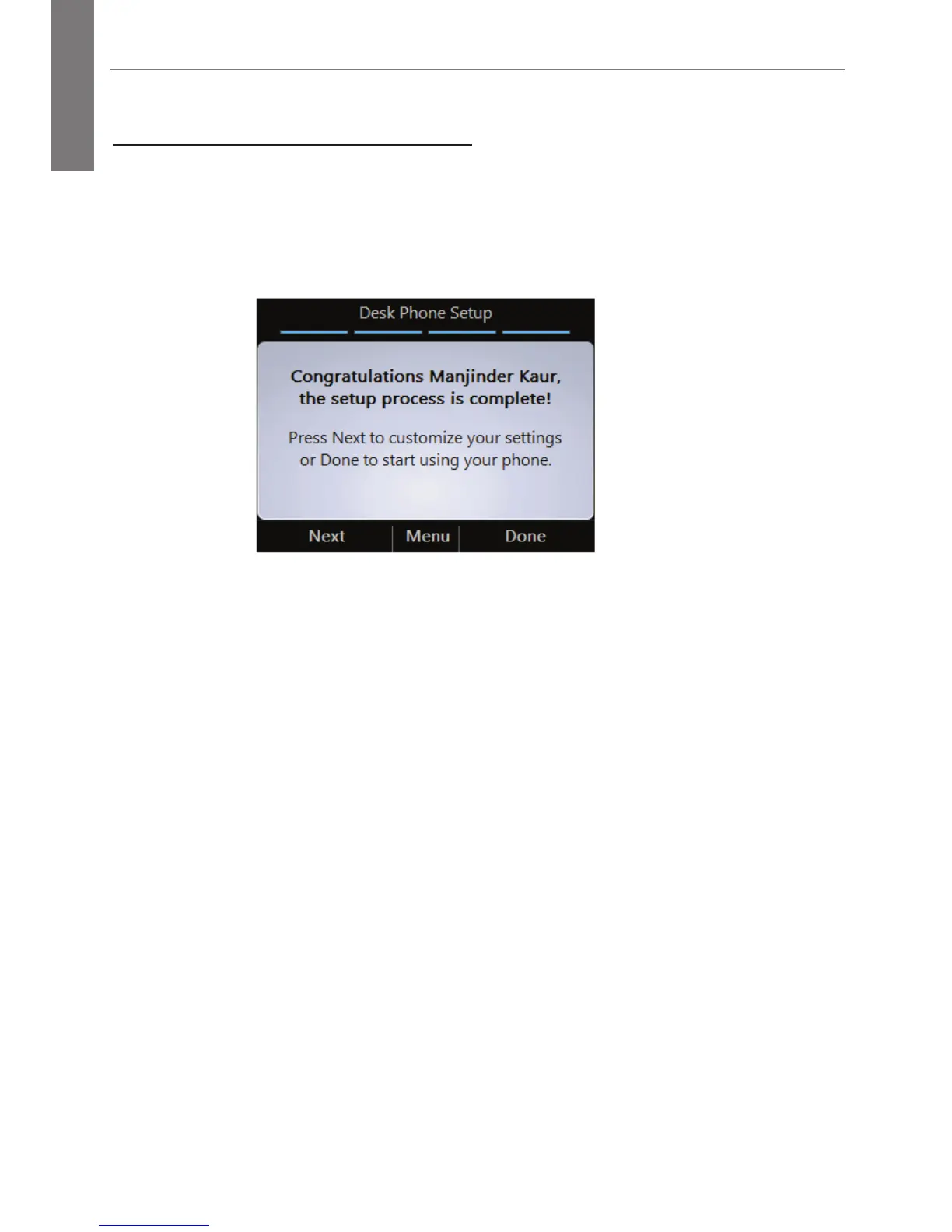
To complete the Desk Phone Setup process, you will be prompted to
customize your phone settings, such as the time zone, date, and time
format.
1. On the Desk Phone Setup screen, click Next.
2. Select your time zone, date, and time format, then click Next.
3. Click Done to begin using your phone, or click Settings for
more options.
Note: After your phone has been set up, you can access the
Settings menu at any time by clicking the Menu button, and
then selecting Settings.



 To Next Page