accessories
hp digital copier series
32
1
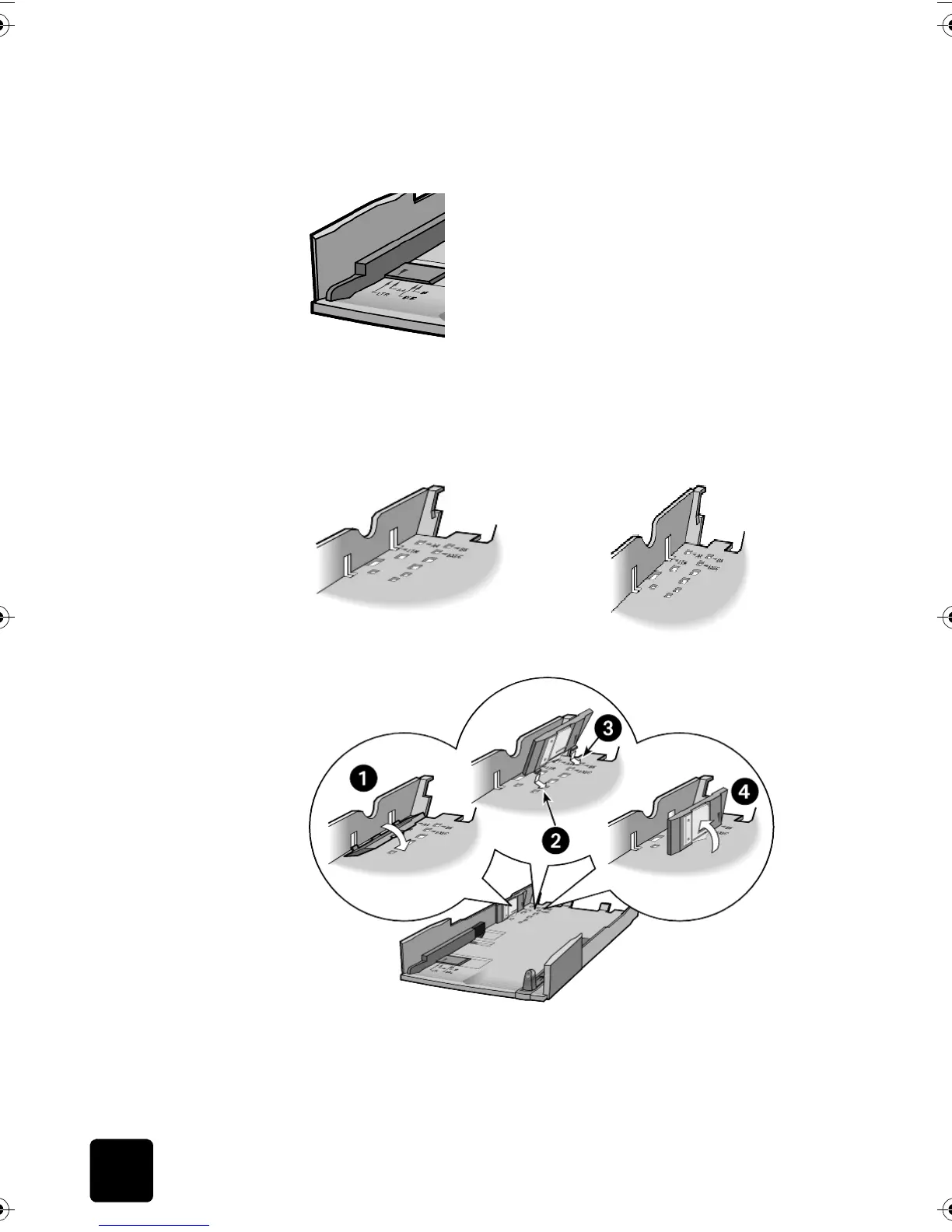
Set the paper-width guide by sliding it until the arrow is even with the
correct setting.
2
Set the width to LTR to use legal-size paper.
3
Set the paper-width fence by carefully snapping it into the slots for the
paper size.
Tip! The slots for letter width paper are in the sides of the
inner tray. Use the LTR setting for legal-size paper also.
4
Set the paper-length guide by pulling it until the arrow lines up with
the paper size.
GwenRG.book Page 32 Thursday, January 31, 2002 5:20 PM






 To Next Page