troubleshooting tips
68
hp digital copier series
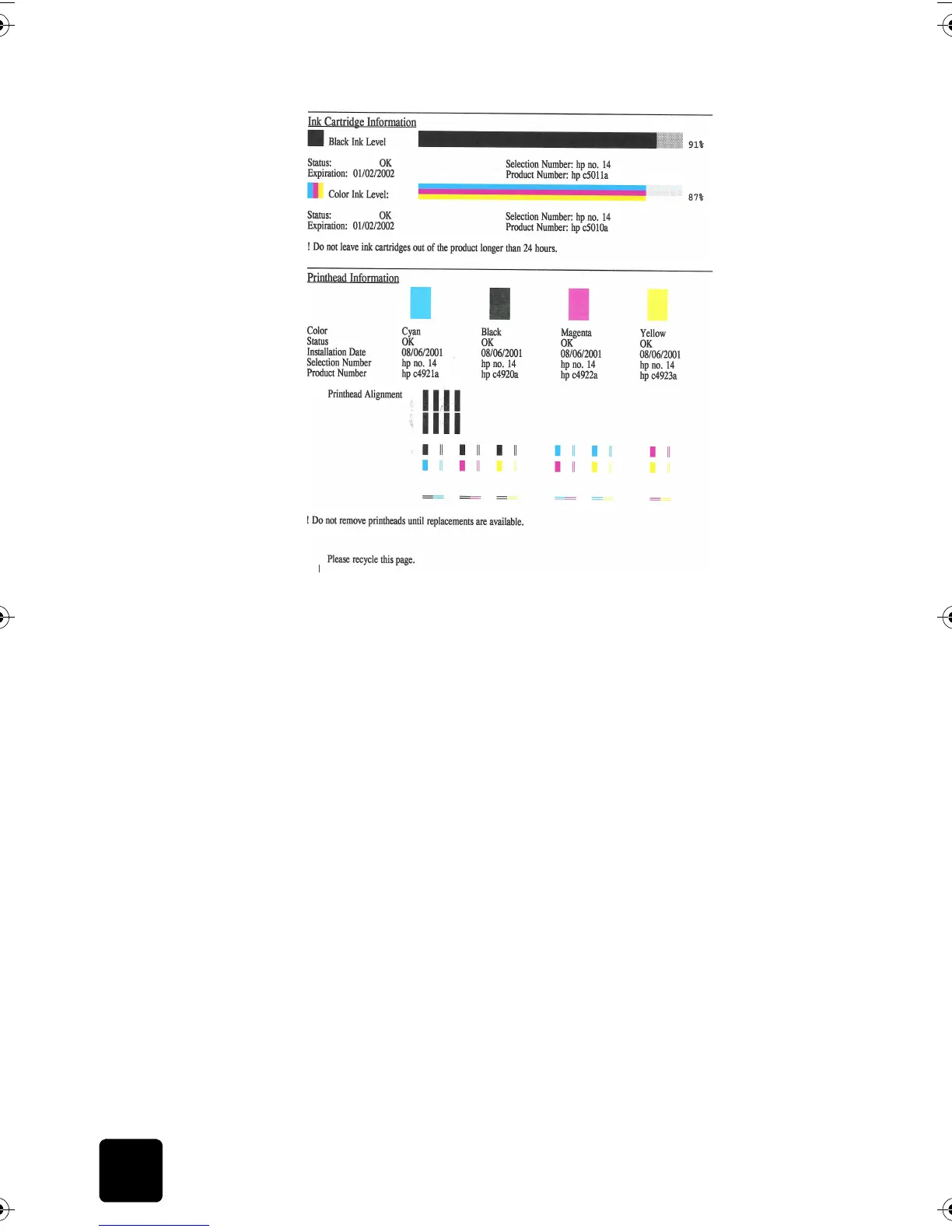
printhead has
failed
When a printhead error is detected, a message appears on the front panel
display that indicates the color of the failed printhead. The HP Digital
Copier continues to print; however, the failed printhead may affect print
quality and speed.
If several printheads fail, the HP Digital Copier may stop working.
For more information, see replace the printheads on page 38.
ink carriage is
stalled
is the hp digital copier on?
Look on the HP Digital Copier display. If the display is blank, the HP Digital
Copier is turned off. Check the connections.
are you using the hp digital copier for the first time?
Make sure that you have removed all packing materials from the HP Digital
Copier.
are you using the ink cartridge for the first time?
Make sure that you have removed the protective tape from the nozzles on
both ink cartridges. Do not touch the gold contacts.
For more information, see handle ink cartridges on page 40.
did you remove the packing material?
Lift the door and check for tape or packing materials.
GwenRG.book Page 68 Thursday, January 31, 2002 5:20 PM






 To Next Page