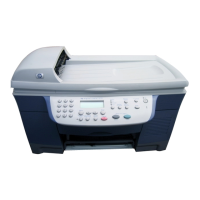
review the front panel
3
hp digital copier series
menu functions
The Menu button lets you enter the menu system to change copy settings,
print reports, and perform maintenance.
1
Press Menu.
The first submenu displays.
2
Repeatedly press Menu or
and
to view all the submenus.
The submenus are as follows:
–1:Copy Setup
– 2:Print Report
– 3:Status and Maintenance
3
Press Cancel to clear the front panel display, if desired.
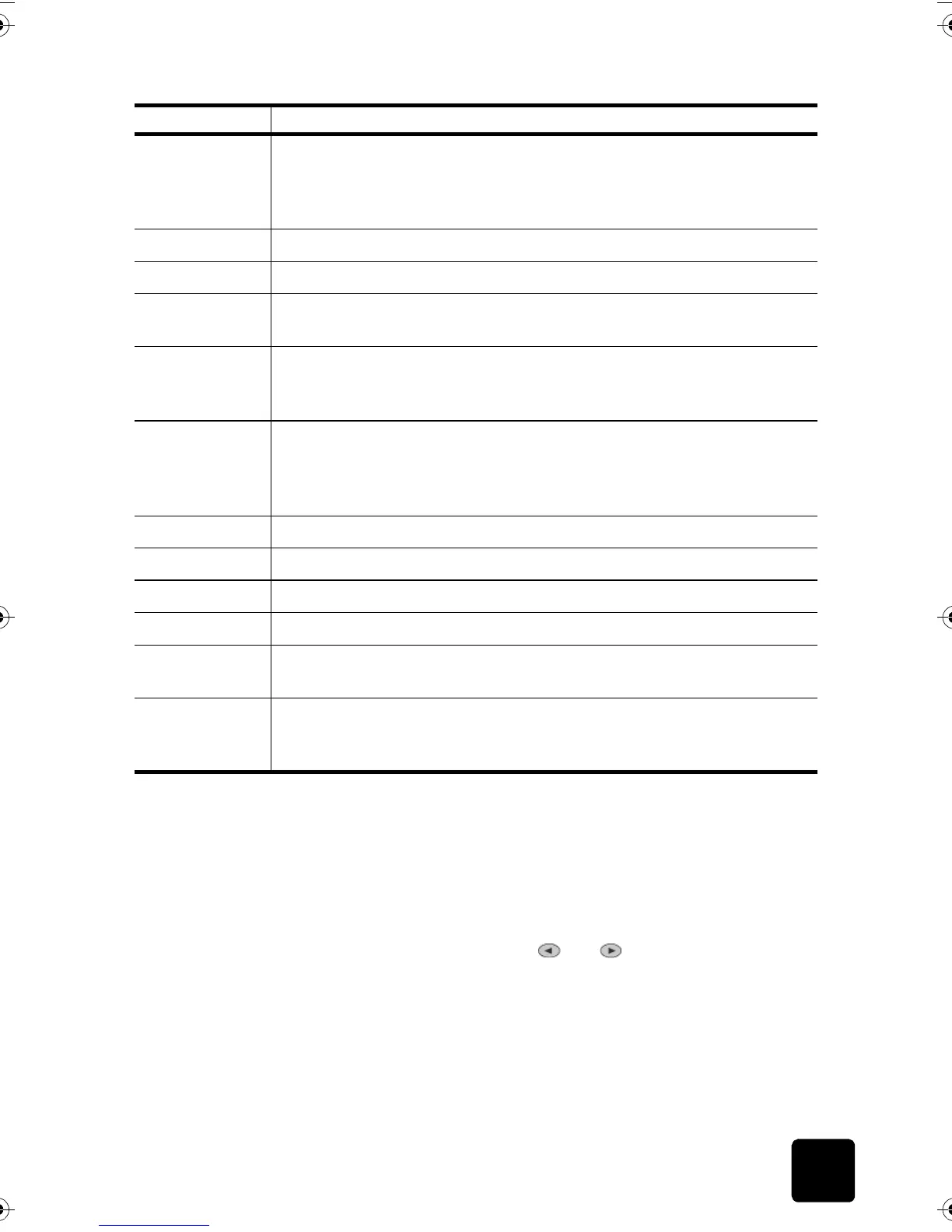
9 Special Features: use to access options that let you reduce or enlarge to
a specified copy image size on paper loaded in the selected tray. The
options are Normal, Fit to Page, Which Size?, Poster, 2 on 1, MarginShift
and Mirror.
10 Fit to Page: use to turn the Fit to Page feature on and off.
11 On: use to turn your HP Digital Copier on and off.
12 + /- Keypad Buttons: use + to scroll forward and - to scroll backward
through numeric values.
13 Two-Sided Copy: use to make hands-free two-sided copies. This is
available only if your copier includes the two-sided printing accessory
and the automatic document feeder (ADF).
14 Tray Select/Paper Type: use to select paper type. The main paper tray
supports plain paper and specialty papers. If your HP Digital Copier has
the optional 250-sheet plain paper tray, use this button to select both the
paper type and the paper tray to use.
15 Lighter/Darker: use to adjust the lightness and darkness of your copies.
16 Cancel: use to stop an active copy job, exit a menu, or exit button settings.
17 Start Copy - Black: use to start a black and white copy.
18 Start Copy - Color: use to start a color copy.
19 Photo Mode: use to enhance light colors that might otherwise appear
white when copying photographs or pictures.
20 Warning Light: warns of error conditions that require attention, such as
paper jams or low ink levels. Check the front panel display for a
description.
feature purpose
GwenRG.book Page 3 Thursday, January 31, 2002 5:20 PM






 To Next Page