accessories
hp digital copier series
34
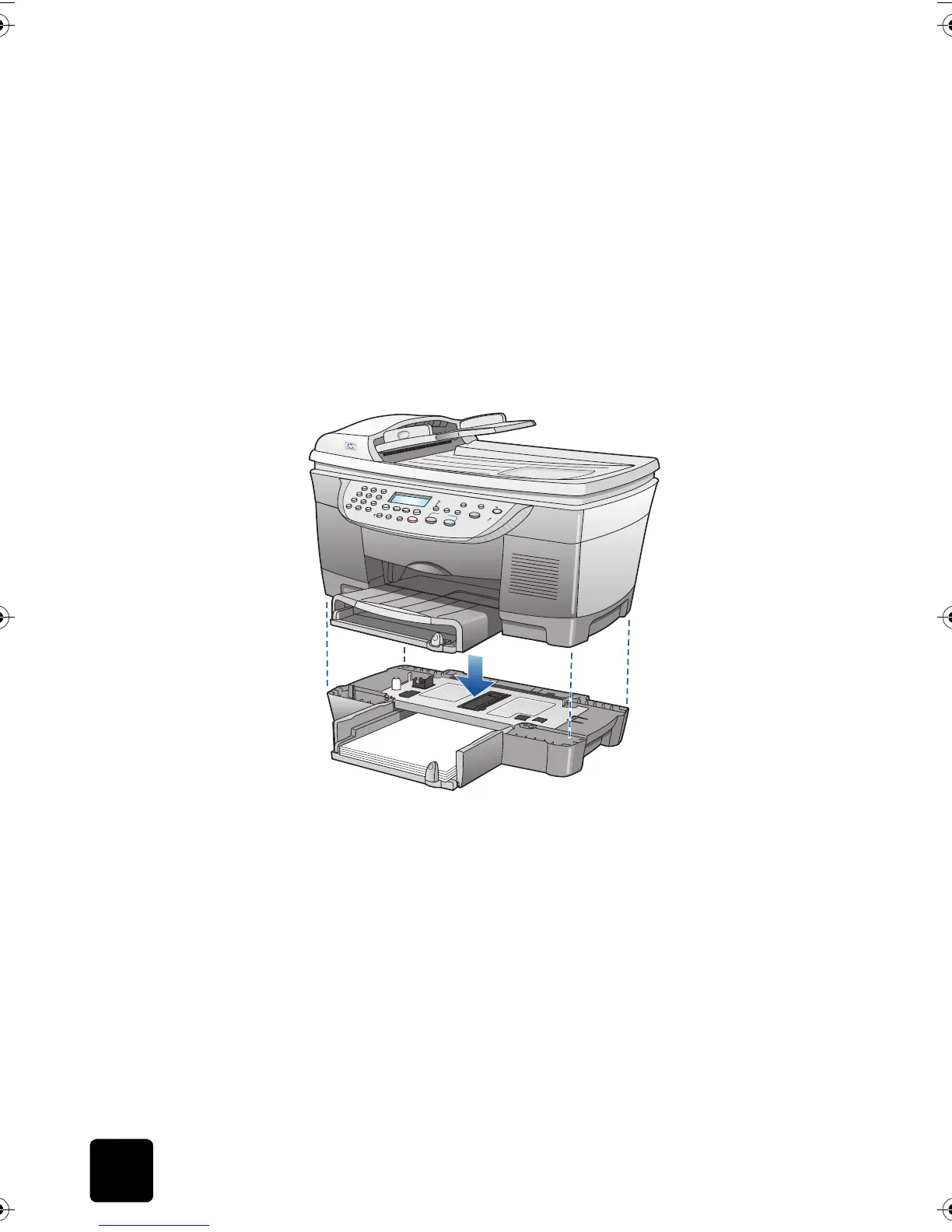
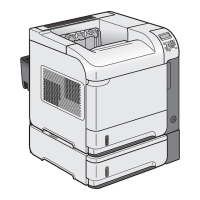
attach the
optional 250-
sheet plain
paper tray to
the unit
Caution! You must attach the HP two-sided printing
accessory to your HP Digital Copier before attaching the
optional 250-sheet plain paper tray.
1
Place the 250-sheet plain paper tray where you want your HP Digital
Copier to be situated.
2
Turn off the copier.
3
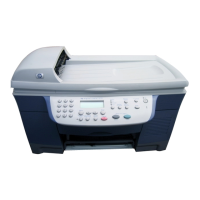
Lift the copier unit and position it directly over the optional 250-sheet
plain paper tray.
4
Gently lower the printer onto the optional 250-sheet plain paper tray.
5
Slide the main paper tray (with hinged cover) into the slot above the
optional 250-sheet plain paper tray. The main paper tray and copier
both rest on top of the 250-sheet plain paper tray accessory.
6
Power on the copier and resume normal use.
GwenRG.book Page 34 Thursday, January 31, 2002 5:20 PM






 To Next Page