19
3 Capturing Videos and Photos
3.1 Recording Videos
Your camcorder supports Dual Stream recording. When a video is
recorded, two video files of different file size are automatically saved in
the memory card. The smaller file is used to view videos using a
smartphone.
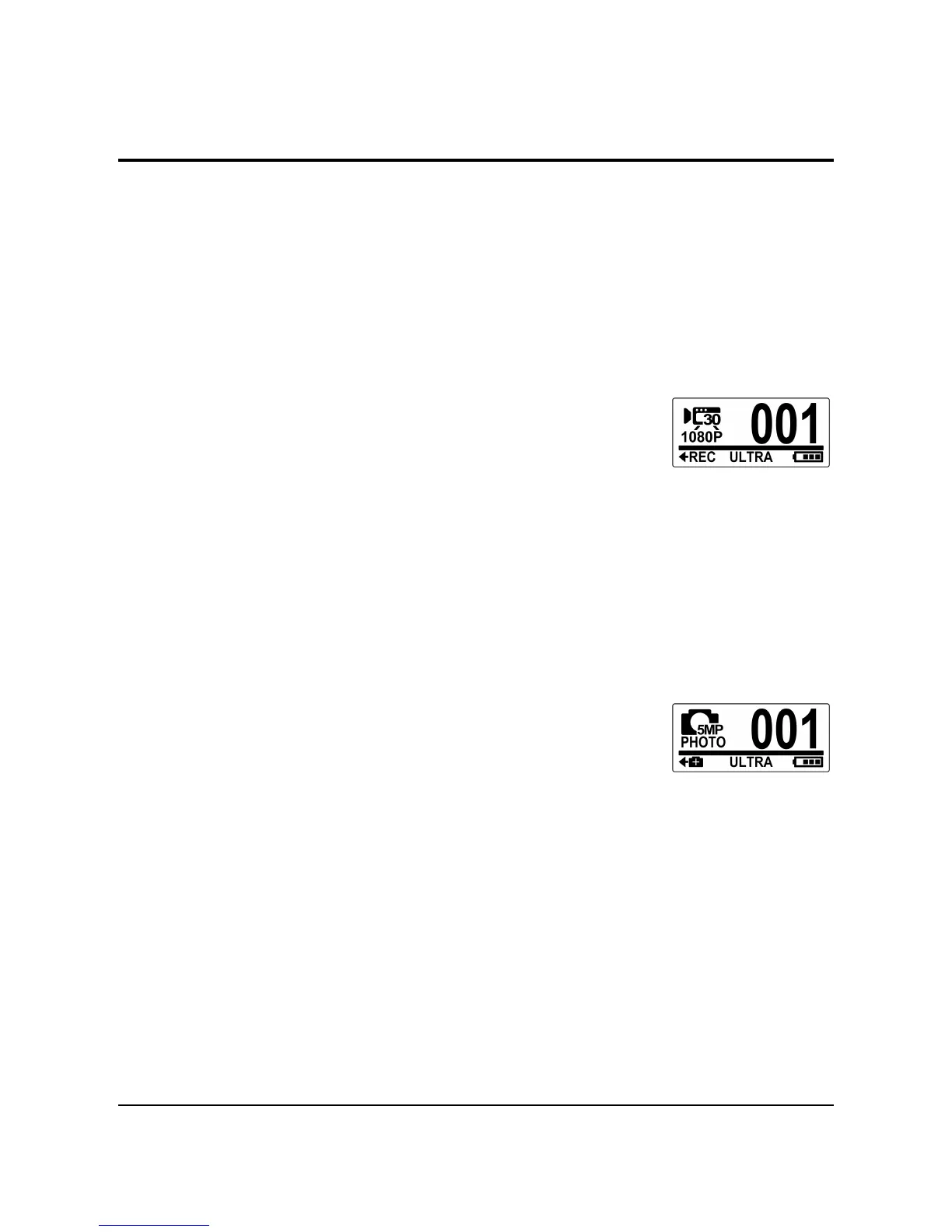
1. Turn on the camcorder. By default, the camcorder
automatically opens to Video mode.
2. Press the Shutter button to start
recording.
3. Press the Shutter button to stop recording.
3.2 Taking Photos
1. Turn on the camcorder.
2. Press the Mode button to switch to
Photo mode.
3. Press the Shutter button to capture a photo.



 To Next Page