35
4.11 Date and Time
This menu allows you to set the camcorder date and time settings.
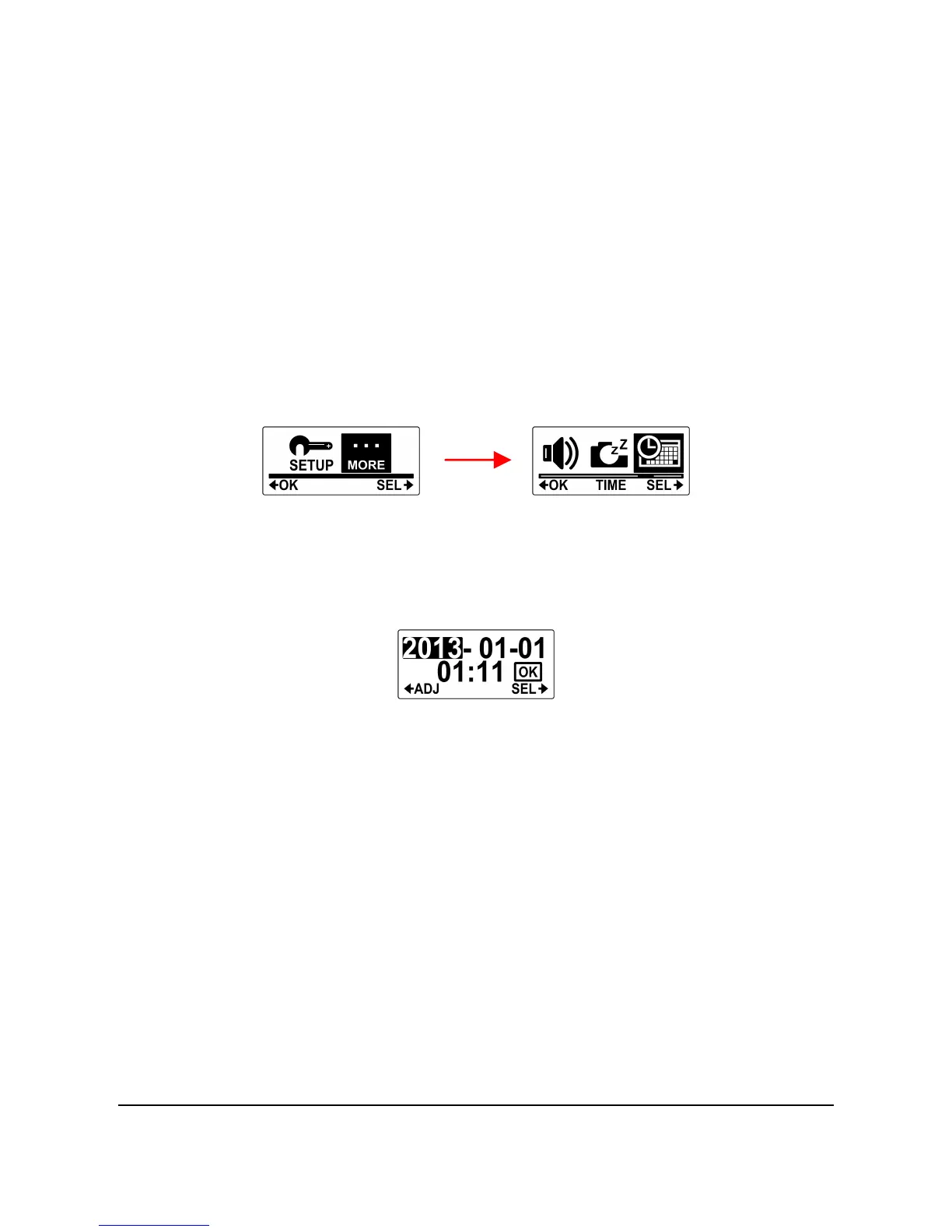
Do the following to set the camcorder date and time.
1. Press the Mode button repeatedly to change to SET mode.
2. Press the Shutter button to enter SET mode.
3. Press the Shutter button to enter the MORE menu.
4. Press the Mode button to highlight TIME.
5. Press the Shutter button to enter the TIME submenu. The
Year is highlighted.
6. Press the Shutter button repeatedly to adjust the year.



 To Next Page