21
3.2.3 Time Lapse Shooting
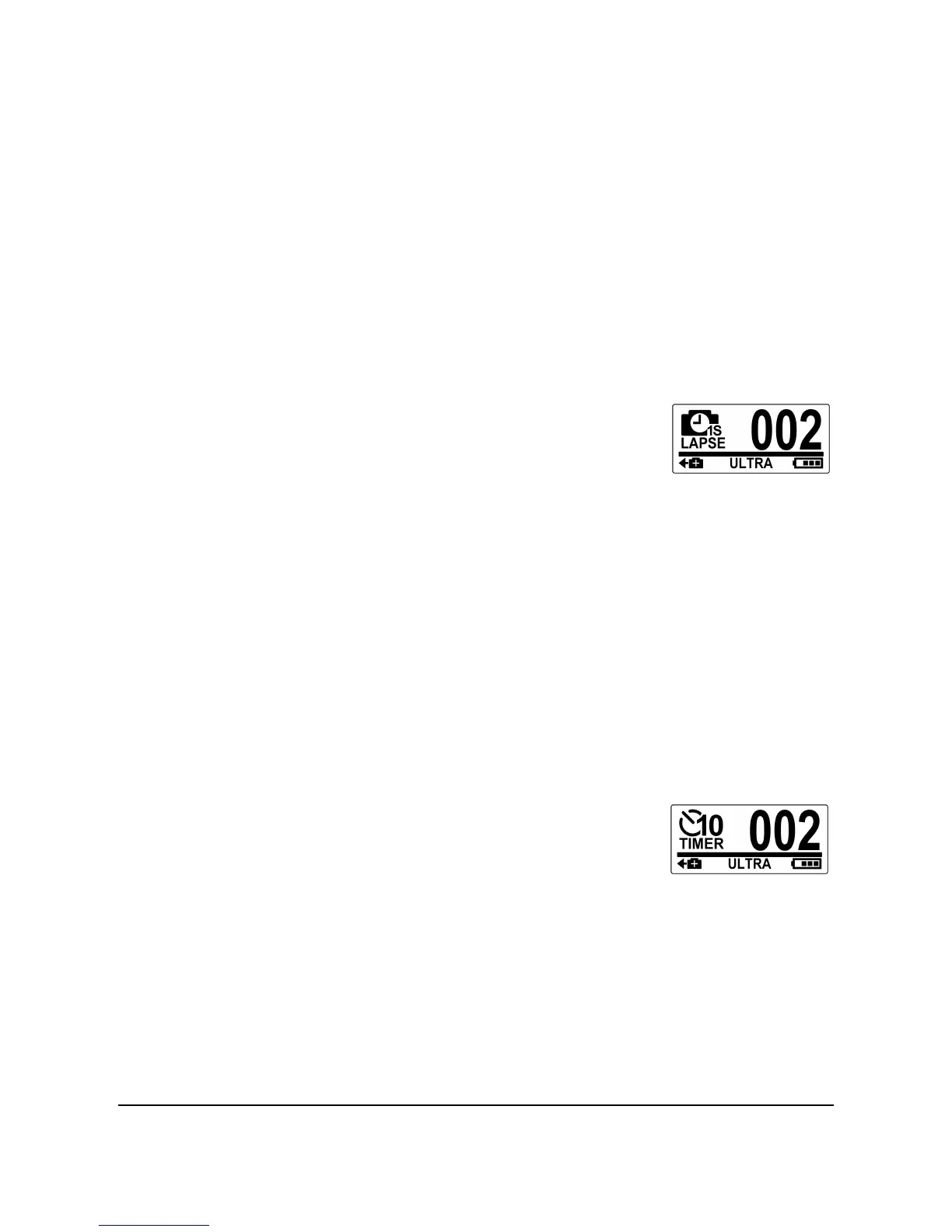
This feature allows you to continuously capture photos with one press of
the Shutter button at the preset interval time (1/3/5/10/30/60 seconds).
Shooting only stops when the Shutter button is pressed again. Those
continuous shots are combined and saved into one video automatically.
The recorded video is played back in fast motion (faster than the normal
playback speed). You can use this feature to record videos such as
evolution of a construction project, weather changes, or flower blossom.
1. Press the Mode button repeatedly to switch to Time Lapse
mode.
2. Press the Shutter button to start
capturing photos.
3. Press the Shutter button again to stop capturing photos.
Note: Review "Adjusting the Settings" section 4.3 on how to change the
Time Lapse interval.
3.2.4 Self-Timer
This feature allows you to capture a photo after a 10-second delay.
1. Press the Mode button repeatedly to switch to Self-timer
mode.
2. Press the Shutter button. The photo is
captured after 10 seconds.



 To Next Page