24
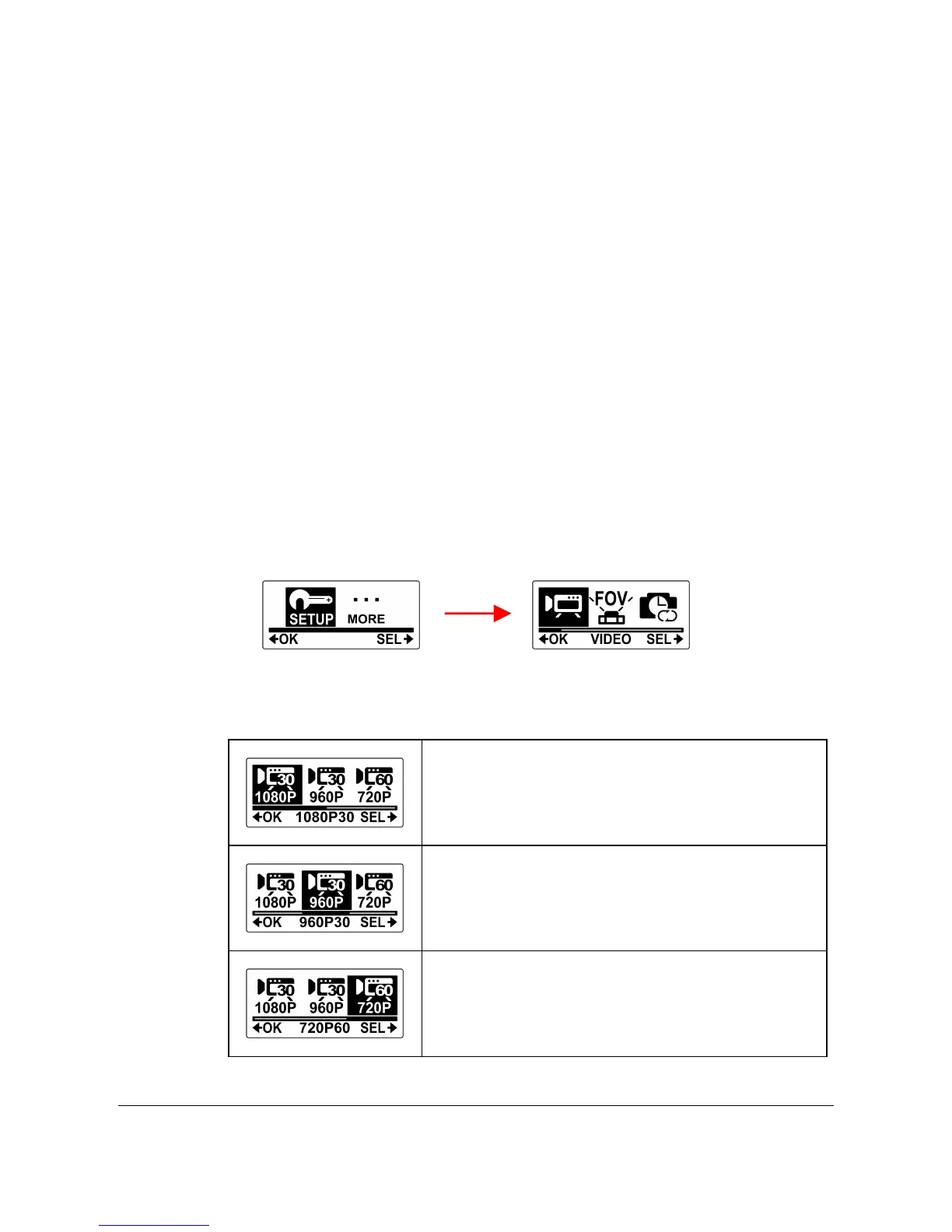
4.1 Video Resolution
The HP ac200w supports Dual Stream recording. When a video is
recorded, two video files of different file size are automatically saved in
the memory card. The smaller file is used to view videos using a
smartphone. The camcorder captures photos with a fixed resolution of
5M and supports three resolution options for videos.
Do the following to select the video resolution.
1. Press the Mode button repeatedly to change to SET mode.
2. Press the Shutter button to enter SET mode.
3. Press the Mode button to highlight SETUP.
4. Press the Shutter button to enter the SETUP menu.
5. Press the Shutter button to enter the VIDEO submenu.
6. Press the Mode button repeatedly to scroll through the
resolution options.



 To Next Page