40
5 Using the Accessories
The camcorder comes with rugged accessories for all your sporting
needs.
5.1 Waterproof Case
The waterproof case allows you to take underwater shots or use it with
the surface mount, bike mount, or chest strap to capture other water
sports activities.
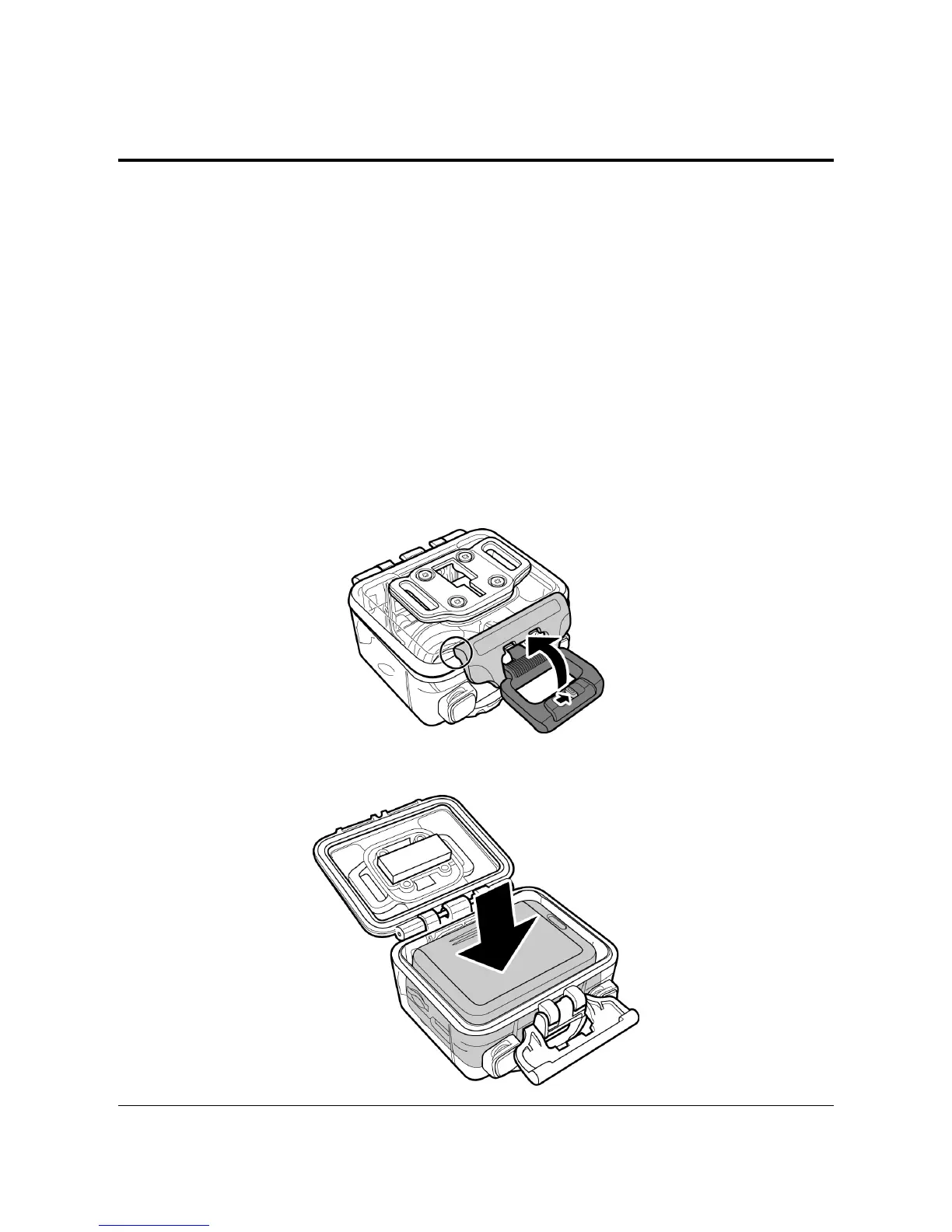
5.1.1 Using the Waterproof Case
1. Release the case lock and flip open the waterproof case.
2. Install the camcorder inside the waterproof case.



 To Next Page