29
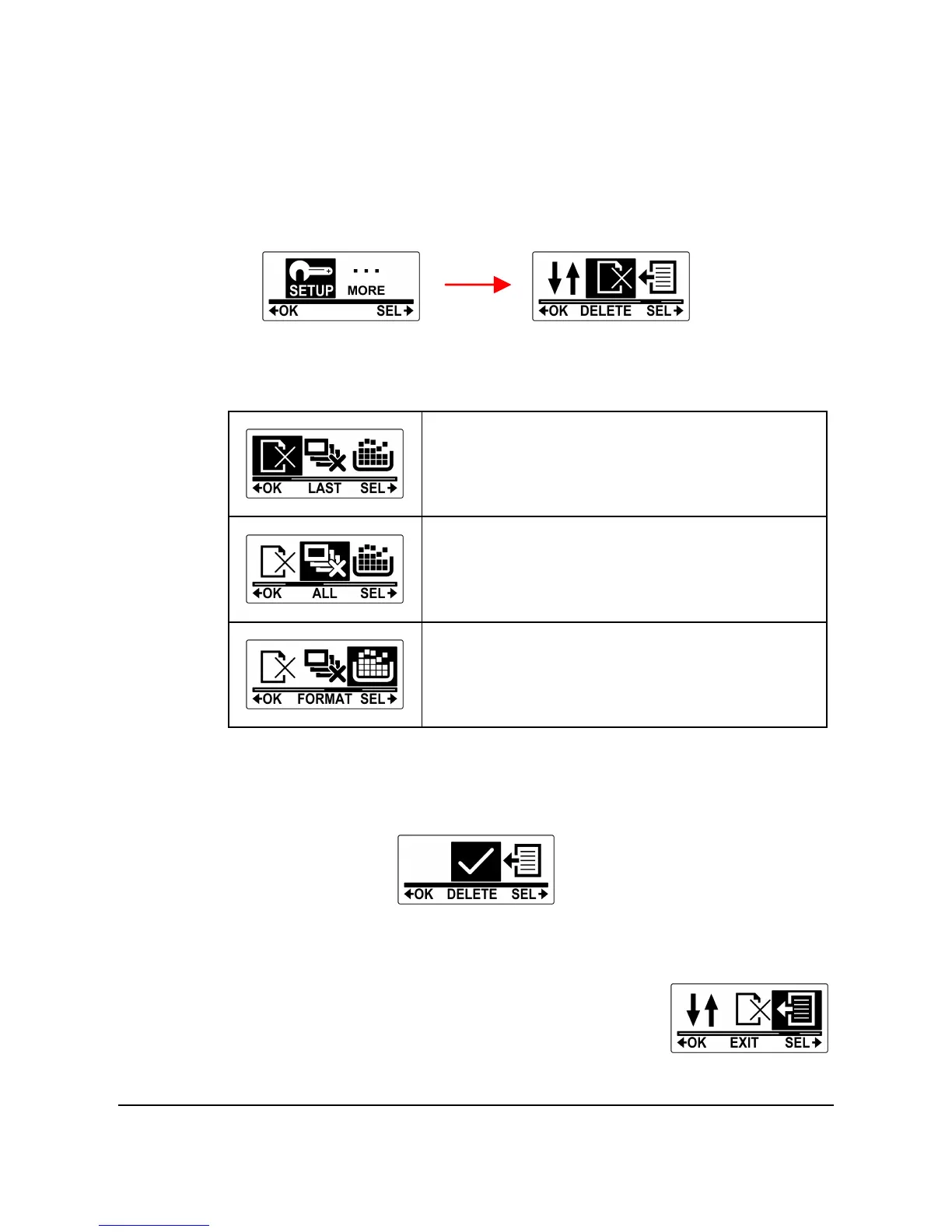
4. Press the Shutter button to enter the SETUP menu.
5. Press the Mode button repeatedly to highlight DELETE.
6. Press the Shutter button to enter the DELETE submenu.
7. Press the Mode button repeatedly to scroll through the delete
options.
To format the micro SD card.
8. Press the Shutter button to confirm.
9. Press the Mode button to select √ to confirm deletion.
10. Press the Shutter button to confirm.
11. To exit the menu, press the Mode button
repeatedly until the EXIT screen appears.
12. Press the Shutter button to exit SET
mode.



 To Next Page