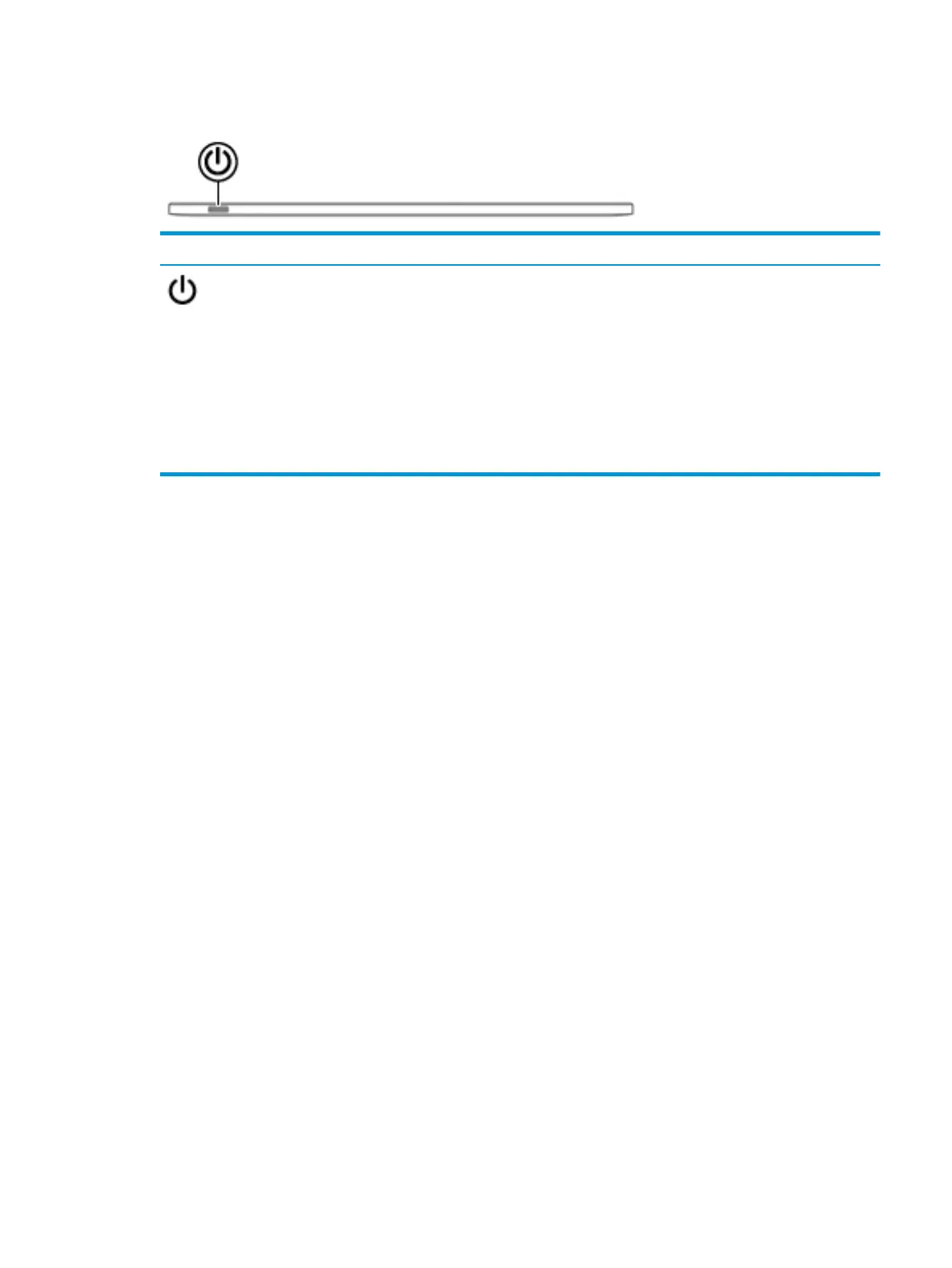
Top edge
Component Description
Power button
●
When the computer is o, press the button to turn on the
computer.
●
When the computer is in the Sleep state, press the button
briey to exit Sleep.
●
When the computer is on and you want to lock the screen, press
the button until you see the sign-in screen appear. Pressing the
power button during screen-lock mode turns o the computer.
●
When the computer is on and you want to turn it o, press and
hold the button to lock the screen, and then continue to press
the button until the computer turns o.
Top edge 7







 To Next Page