5–12 Maintenance and Service Guide
Removal and Replacement Procedures
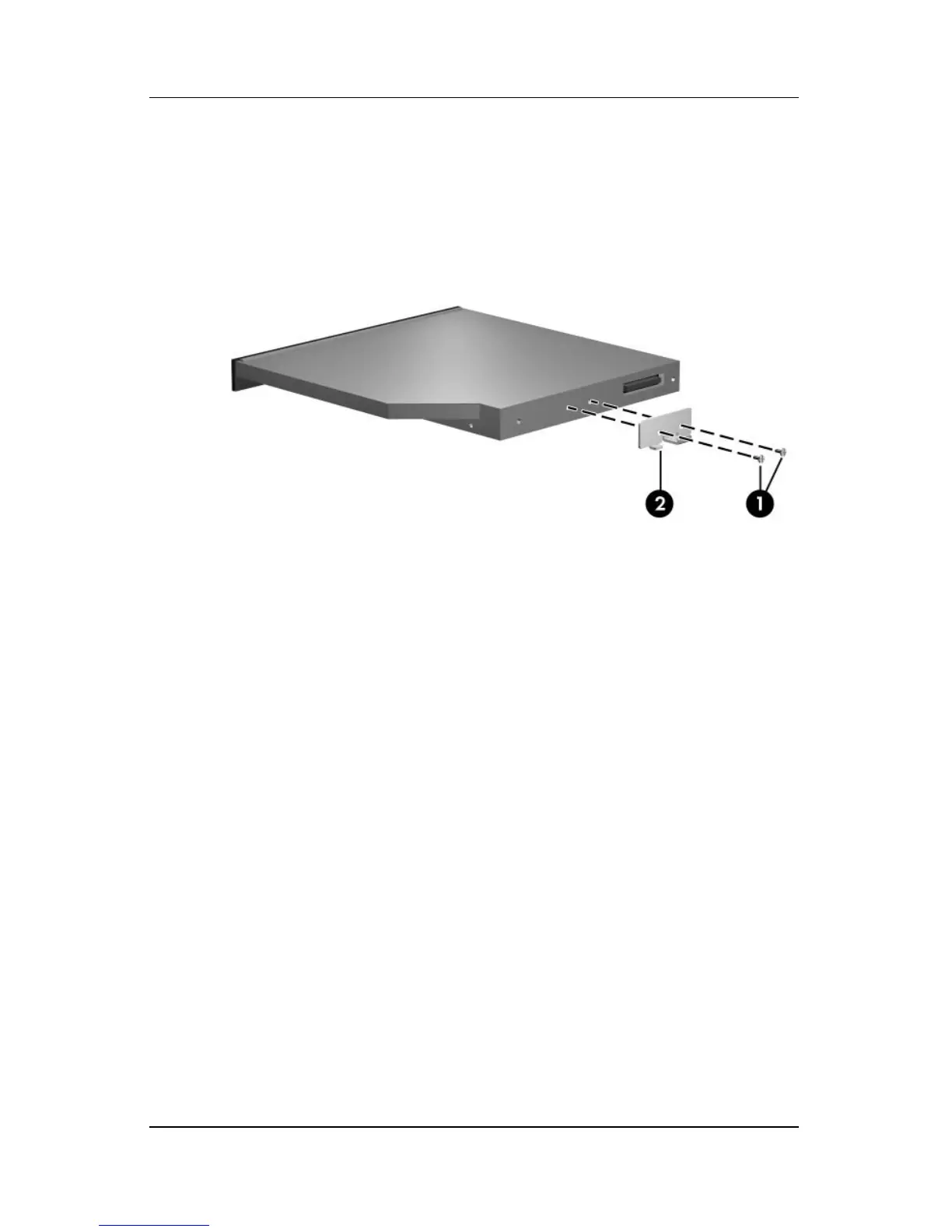
6. If it is necessary to replace the optical drive bracket, remove
the two Phillips PM2.0×3.0 screws 1 that secure the bracket
to the optical drive.
7. Remove the optical drive bracket 2.
Removing the Optical Drive Bracket
Reverse the above procedure to reassemble and install an
optical drive.



 To Next Page
 Loading...










