Installing the switch | 30
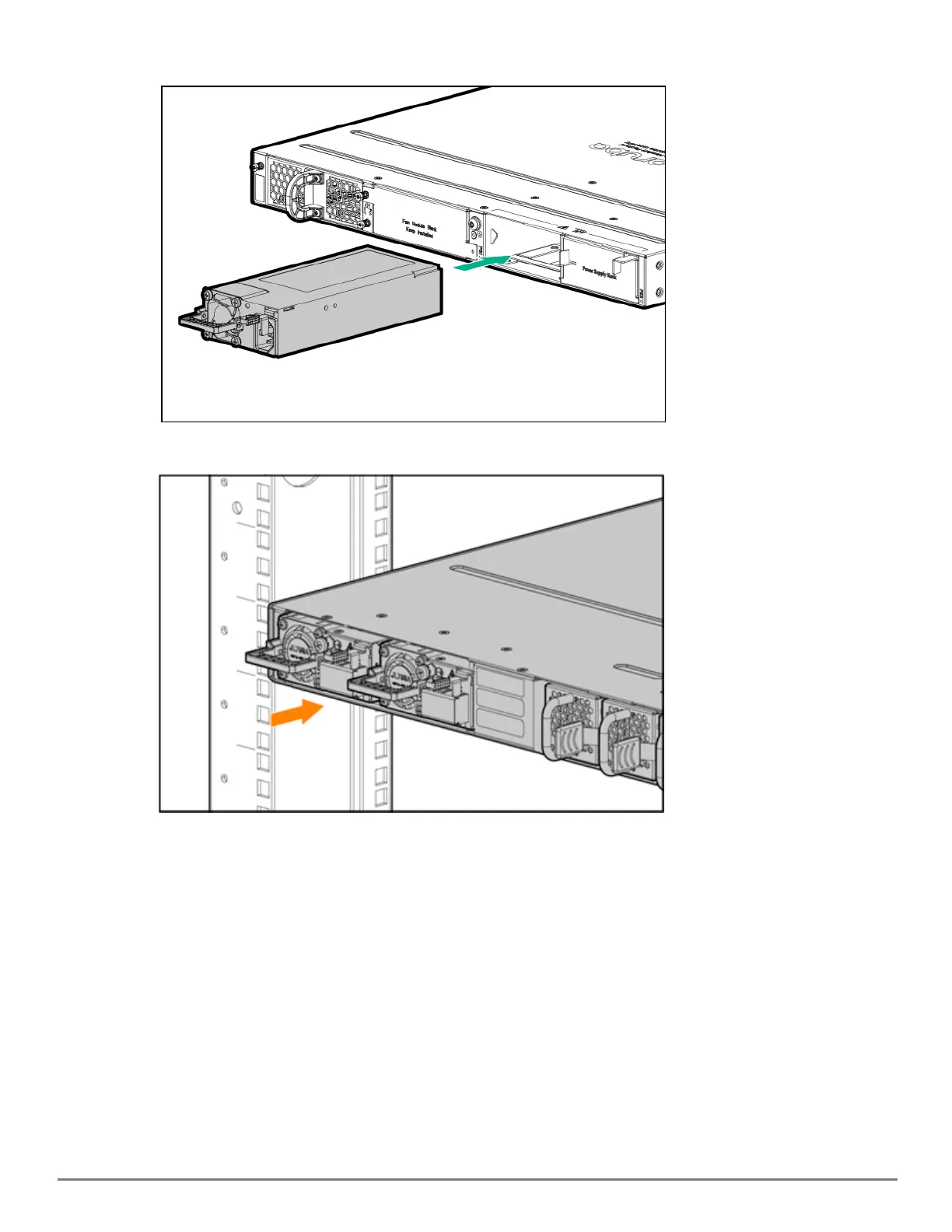
2. Insert the power supply.
3. Place the unit inside the rack, making sure the PSUis properly and fully inserted into the switch with the latch
locked into place.
AC power supply
1. Use the supplied ACcable for the power supply and the 6300M switch being installed.
2. Insert the 3-way modular connector of the ACcable into the inlet on the power supply. Ensure that the
connectors are firmly mated.
3. Connect the other end of the AC cable to a nearby ACpower source.
DCpower supply










 To Next Page