41
5.1 Camera and Wi-Fi Setting
5.1.1 Wi-Fi Setting
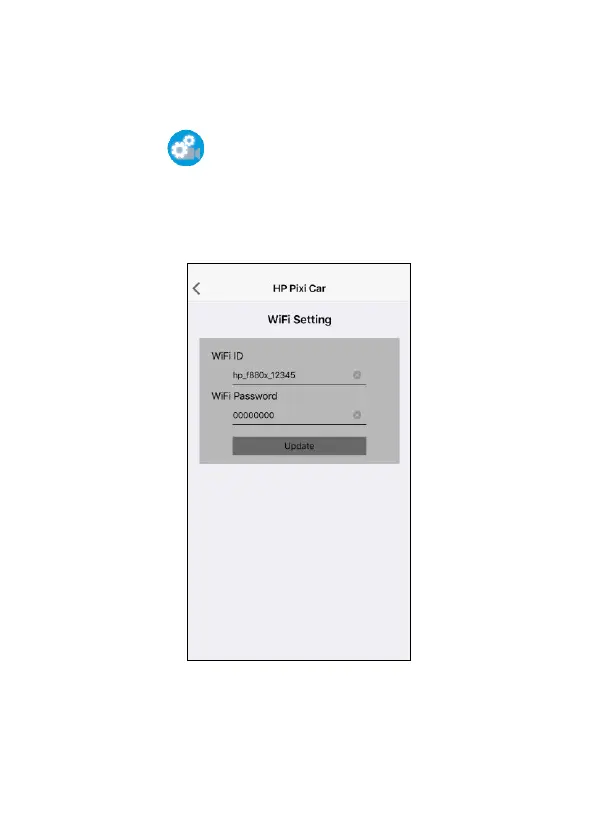
You can use this feature to set up new Wi-Fi ID and password.
1. Touch icon [Camera & WiFi Setting].
2. Touch [WiFi Setting].
3. Enter new Wi-Fi ID and password, and touch [Update] to re-new
setting.
4. Using the Wi-Fi function of your mobile device, search for new
Wi-Fi ID from the list and enter new password. The Wi-Fi icon on
the camcorder’s screen will turn to green, and your connection has
been successfully established.



 To Next Page