43
5.2 Camera preview, record, snapshot
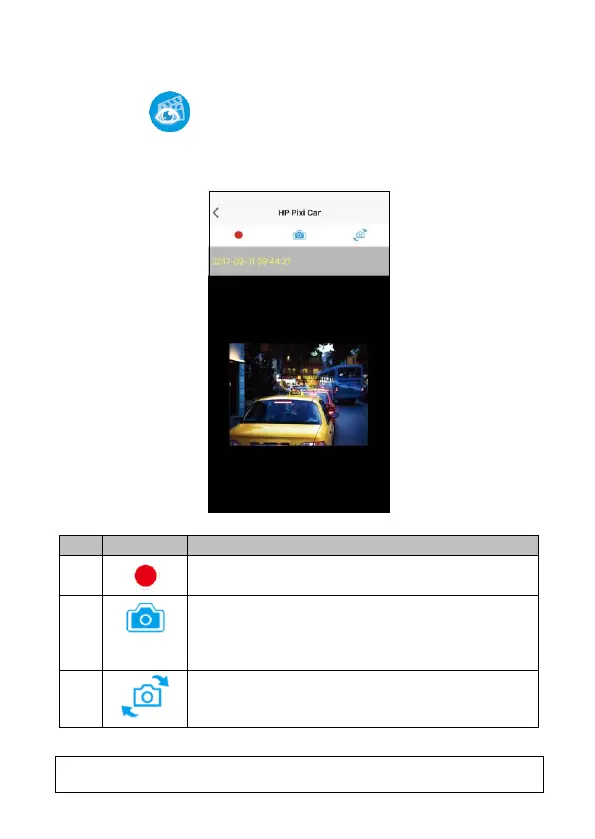
You can use this feature to preview, record or take snapshot.
1. Touch icon [Camera Preview],
2. The mobile device will display camcorder’s preview screen. The
camcorder will lose control and screen will show ”Network Streaming”.
Please use Pixi Car app to operate the camcorder.
Note: [Camera Preview] is subject to car camcorder in recording mode.
Snapshot (no matter in front camcorder or rear
camcorder preview, once you touch this icon,
both of front and rear camcorder will take
photo.)
Switch front and rear camcorder preview



 To Next Page