45
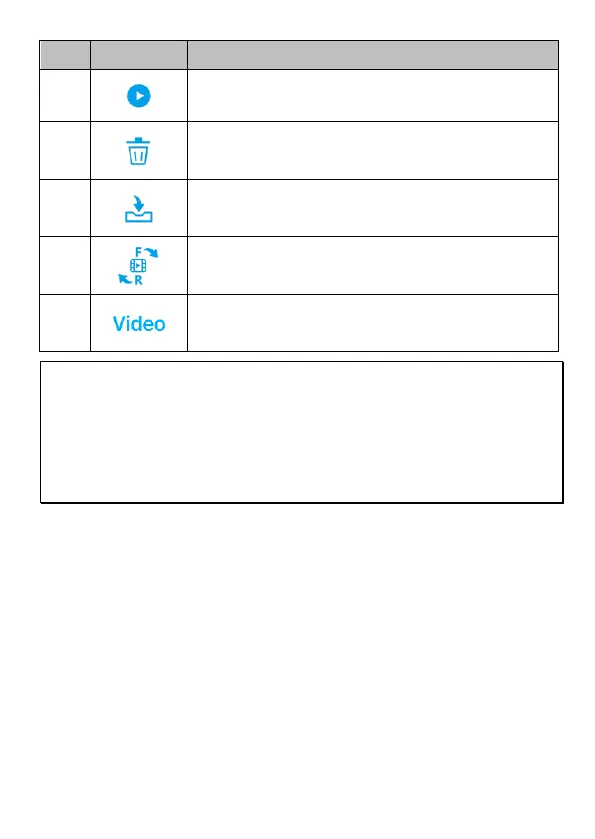
Download the file from camcorder to your mobile
device
Switch front and rear camcorder
File folder option: Event, Video, Photo
Note:
1. If you find the video playback without audio, please check if you turn on Voice Record on the
menu. If you do turn it on, it means the mobile device itself doesn’t support the video decoding.
It’s not the problem of the file. We recommend you to install a free app software such as VLC to
playback the file.
2. Deleted files cannot be recovered. Ensure the files have been backed-up before deletion.
3. Picture and video files could be downloaded to the internal memory of your mobile device. Use
the application program in your mobile device to view the file.



 To Next Page