VLANs 51
2. Configure the VLANs and their member ports. Since all ports are by default configured for VLAN 1, configure
only those ports that belong to other VLANs.
>> /cfg/l2/vlan 3
>> VLAN 3# add 2
Current ports for VLAN 3: empty
Pending new ports for VLAN 3: 2
>> VLAN 3# add 4
Current ports for VLAN 3: 2
Pending new ports for VLAN 3: 17
>> VLAN 3# add 17
Current ports for VLAN 3: 2, 4
Pending new ports for VLAN 3: 17
>> VLAN 3# add 18
Current ports for VLAN 3: 2, 17
Pending new ports for VLAN 3: 18
>> VLAN 3# add 24
Current ports for VLAN 3: 2, 17, 18
Pending new ports for VLAN 3: 24
>> /cfg/l2/vlan 4
>> VLAN 4# add 2
Current ports for VLAN 4: empty
Pending new ports for VLAN 4: 2
>> VLAN 4# add 23
Port 23 is an UNTAGGED port and its current PVID is 1.
Confirm changing PVID from 1 to 4 [y/n]: y
Current ports for VLAN 4: 2, 4
Pending new ports for VLAN 4: 23
>> apply (Apply the port configurations)
>> save (Save the port configurations)
The external Layer 2 switches should also be configured for VLANs and tagging.
Configuring ports and VLANs on Switch 1 (BBI example)
To configure ports and VLANs on Switch 1, do the following:
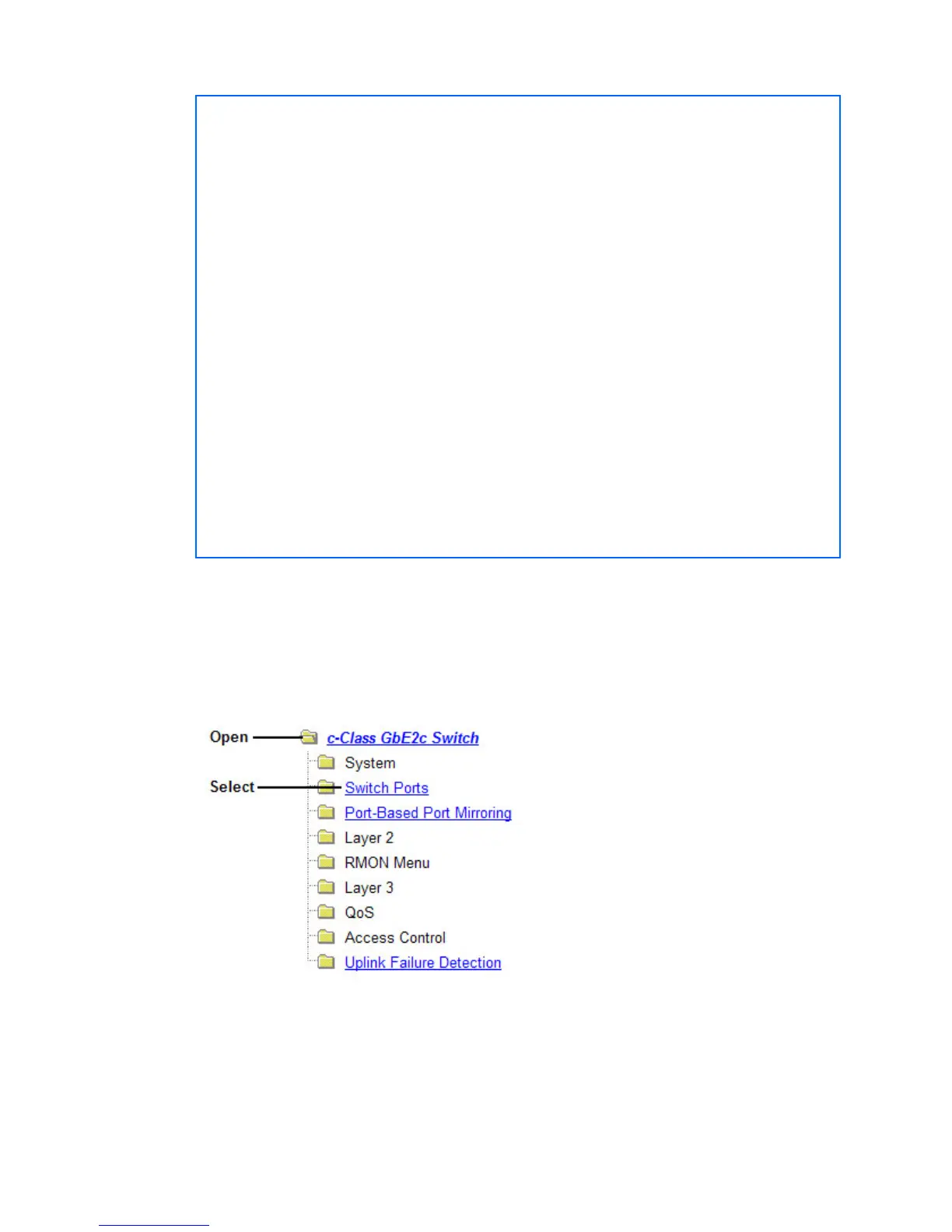
1. On the switch 1, enable VLAN tagging on the necessary ports.
a. Click the Configure context button on the Toolbar.
b. Open the Switch folder, and select Switch Ports (click the underlined text, not the folder).


 To Next Page
 Loading...