EasyManua.ls Logo

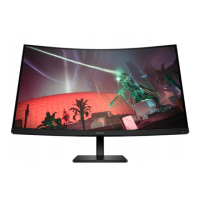
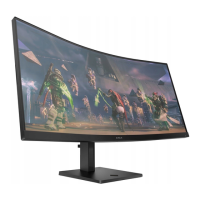
HP OMEN 34c - User Manual

HP OMEN 34c
26 pages
Print Icon
To Next Page IconTo Next Page
Loading...
Maintenance and Service Guide
OMEN 34c model
SUMMARY
This guide provides information about spare parts, removal and replacement of parts, diagnostic tests, problem
troubleshooting, and more.
Question and Answer IconNeed help?

Do you have a question about the HP OMEN 34c and is the answer not in the manual?

Summary

Getting started

Important safety information

Read cautions and notes to minimize risk of personal injury during service.

Important service information and precautions

Repair by professional technicians only. End users should not perform these procedures.

Rear components

How to order parts

Removal and replacement procedures

Preparation for disassembly

Details required equipment and preparation steps before disassembling the monitor.

Rear Cover

Step-by-step instructions for safely removing the rear cover of the monitor.

Power board

Connector repair

Repair the HDMI1 connector

Detailed procedure for repairing the HDMI1 connector using soldering and desoldering tools.
Repair the HDMI2 connector

Detailed procedure for repairing the HDMI2 connector using soldering and desoldering tools.

Function test

Support and troubleshooting

HP OMEN 34c Specifications

General IconGeneral
BrandHP
ModelOMEN 34c
CategoryMonitor
LanguageEnglish

Related product manuals