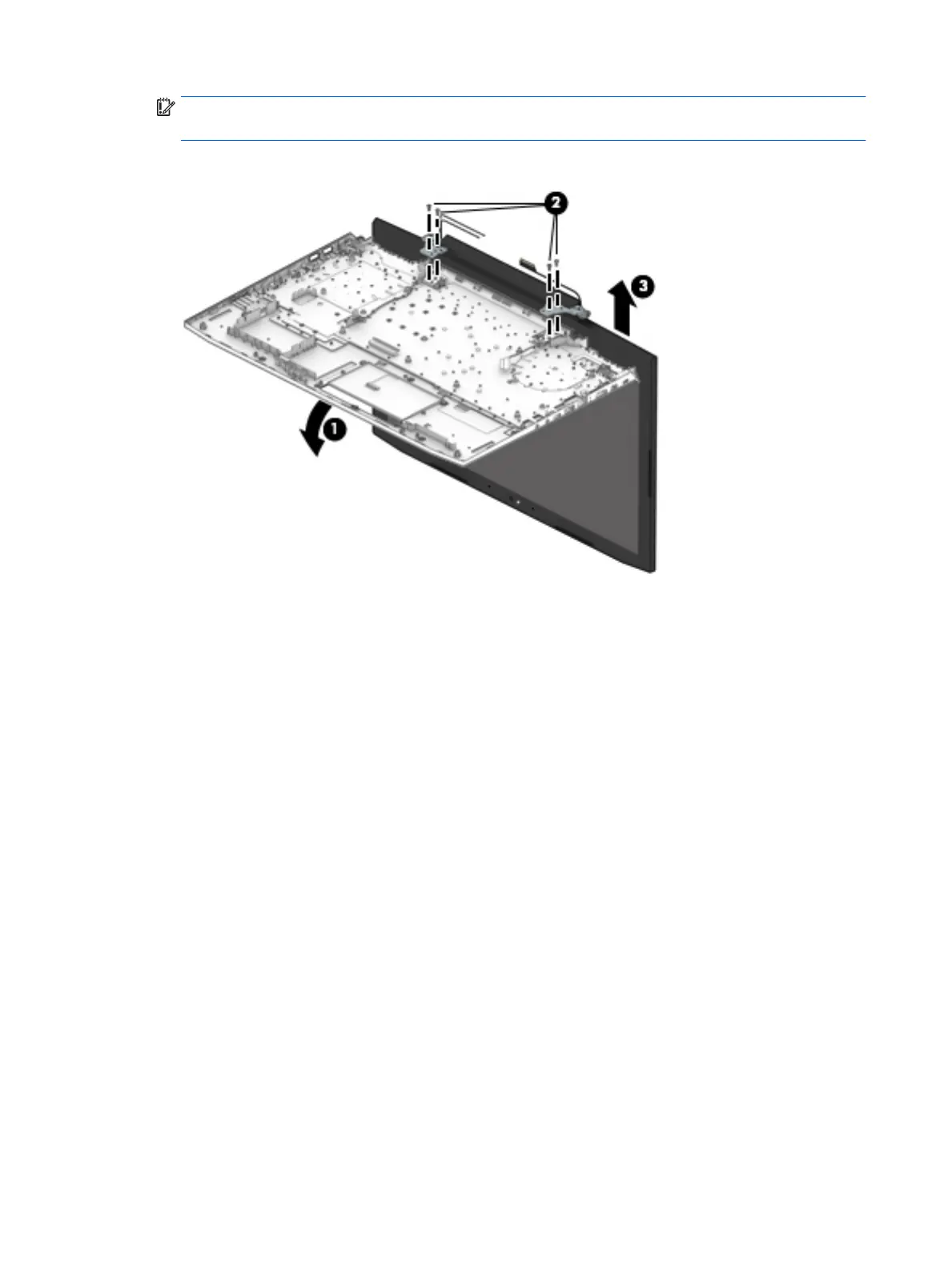
IMPORTANT: To avoid damaging the display assembly or display panel, ensure that the display
assembly is supported before removing the hinges.
6. Remove the display assembly from the computer (3).
Reverse this procedure to install the display bezel.
66 Chapter 6 Removal and replacement procedures for authorized service provider parts


 To Next Page
 Loading...