15
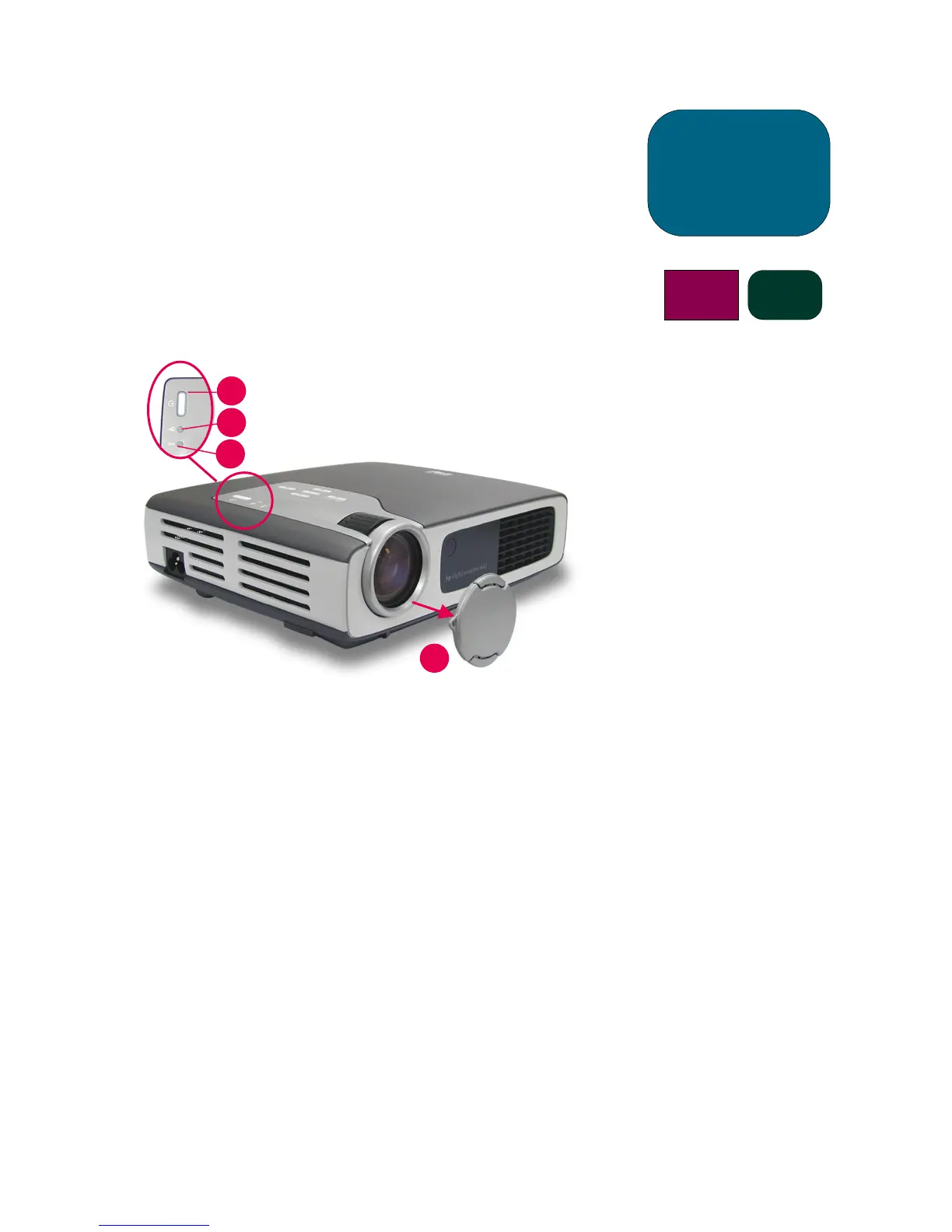
Turning the projector ON and OFF
(continued)
operation
b31 sb21
1
2
3
4
CAUTION! Unplugging the projector
while the fan is running
may reduce lamp life.
NOTE: Turn on the projector before
turning on the signal source.
NOTE: When the blue Power
Indicator Light is blinking the
unit cannot be turned ON or
OFF. The projector will not
respond to any user input.
NOTE: The model shown is the
hp xb31.



 To Next Page