Product Overview
14 NAS b2000 v2 Quick Start Guide
Managing the NAS b2000 v2
The NAS b2000 v2 is configured at the factory with default system settings and
with the NAS operating system installed. Storage, however, is not pre-configured,
allowing the NAS administrator to tailor the organization and configuration of the
storage to specific environmental needs. Refer to the “Storage Management
Overview” section later in this chapter for more information.
The NAS administrator uses the Array Configuration Utility (ACU) to manage the
hardware storage and uses Windows Logical Disk Manager (LDM) to manage the
logical storage.
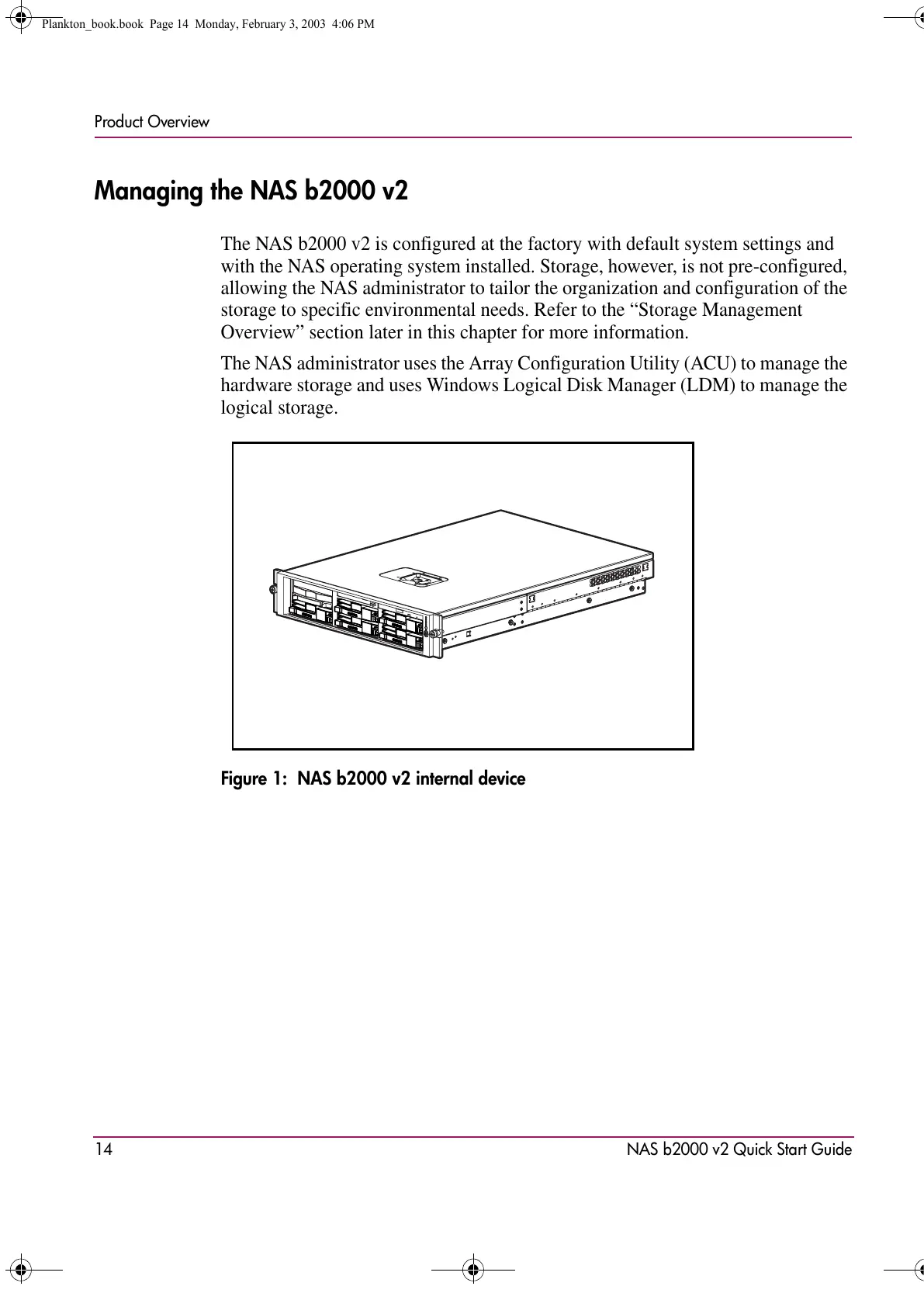
Figure 1: NAS b2000 v2 internal device
Plankton_book.book Page 14 Monday, February 3, 2003 4:06 PM









 To Next Page