Configuration Setup
37NAS b2000 v2 Quick Start Guide
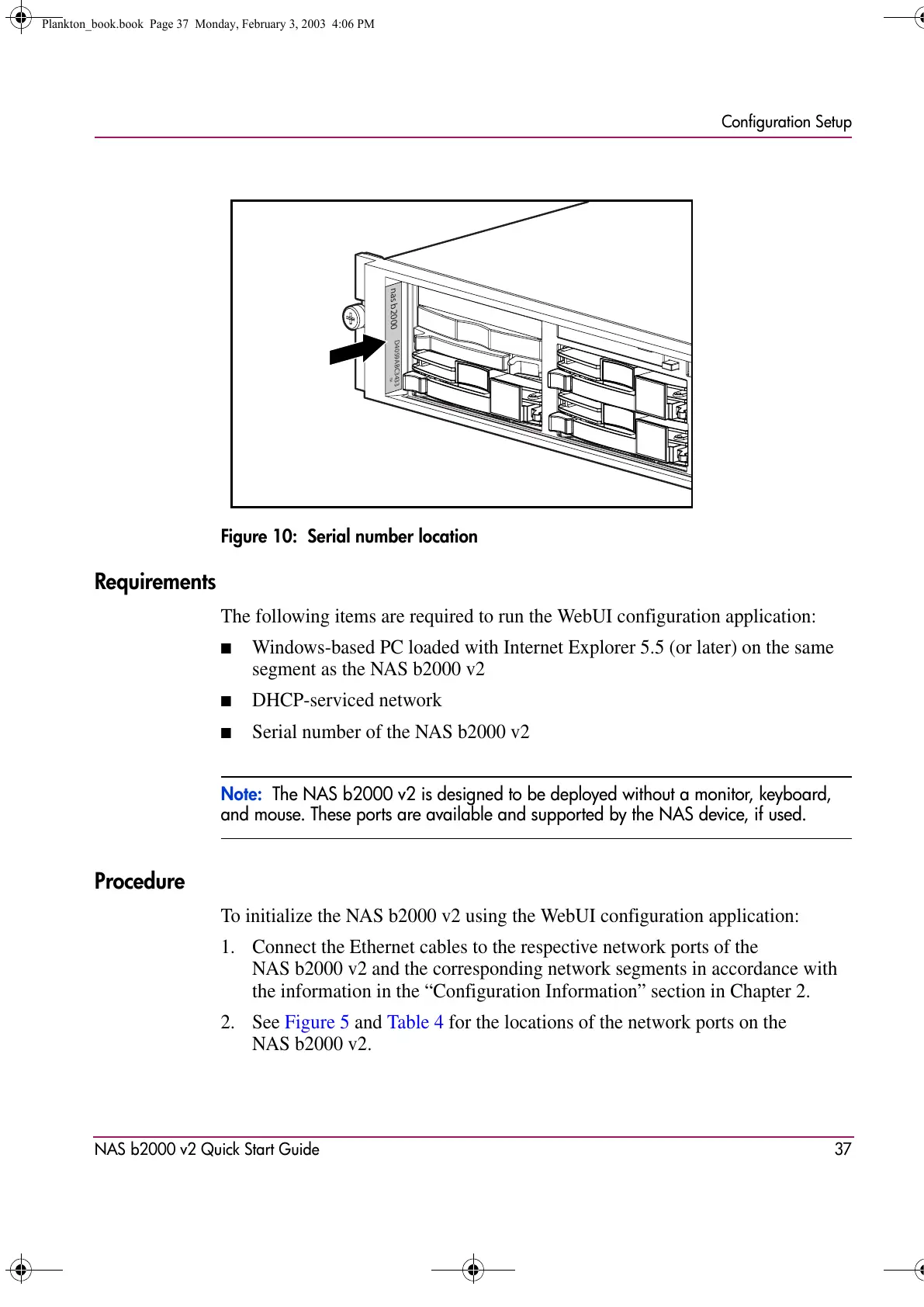
Figure 10: Serial number location
Requirements
The following items are required to run the WebUI configuration application:
■ Windows-based PC loaded with Internet Explorer 5.5 (or later) on the same
segment as the NAS b2000 v2
■ DHCP-serviced network
■ Serial number of the NAS b2000 v2
Note: The NAS b2000 v2 is designed to be deployed without a monitor, keyboard,
and mouse. These ports are available and supported by the NAS device, if used.
Procedure
To initialize the NAS b2000 v2 using the WebUI configuration application:
1. Connect the Ethernet cables to the respective network ports of the
NAS b2000 v2 and the corresponding network segments in accordance with
the information in the “Configuration Information” section in Chapter 2.
2. See Figure 5 and Table 4 for the locations of the network ports on the
NAS b2000 v2.
D4059ABC3433
nas b2000
TM
Plankton_book.book Page 37 Monday, February 3, 2003 4:06 PM









 To Next Page