Configuration Setup
35NAS b2000 v2 Quick Start Guide
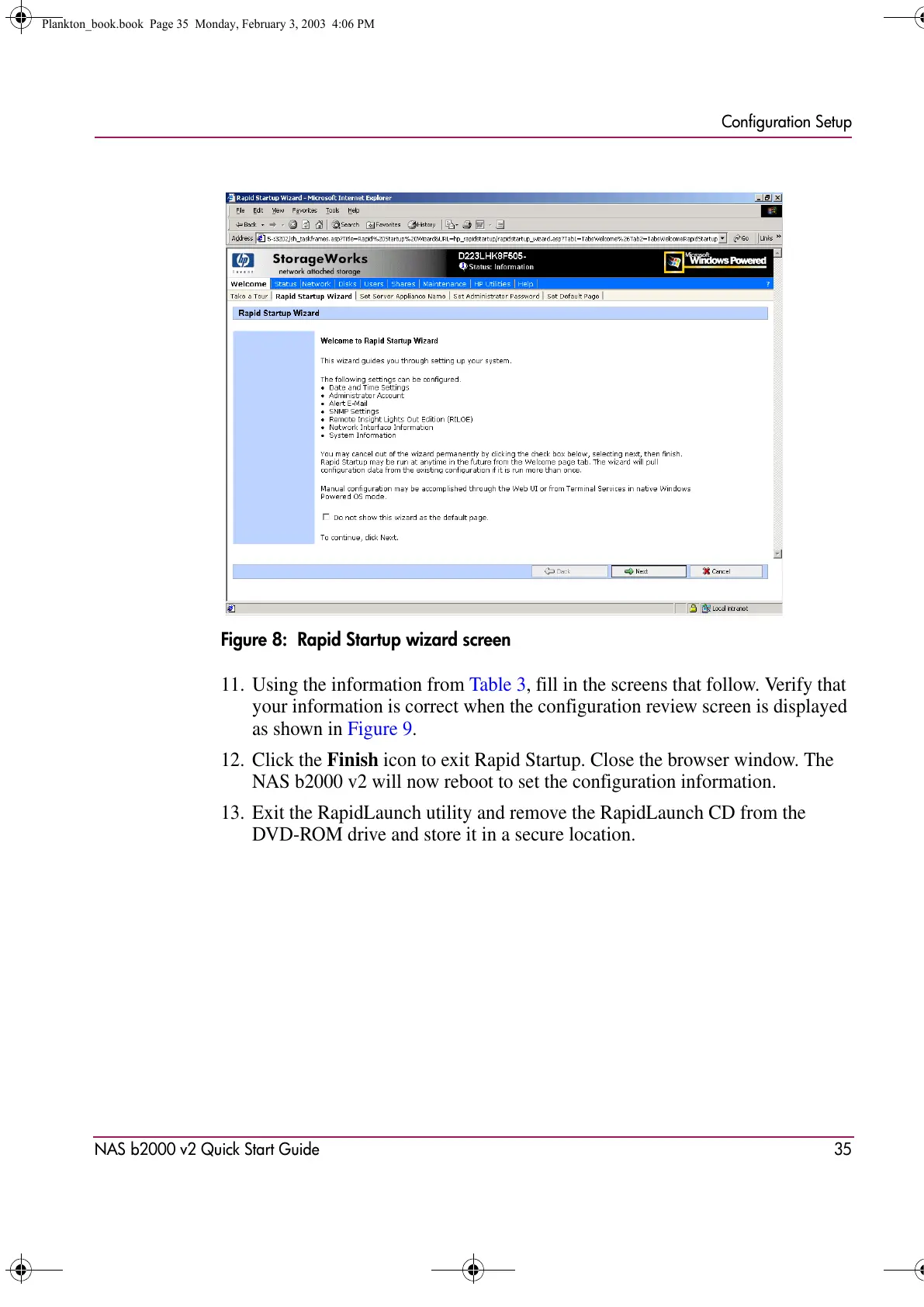
Figure 8: Rapid Startup wizard screen
11. Using the information from Table 3, fill in the screens that follow. Verify that
your information is correct when the configuration review screen is displayed
as shown in Figure 9.
12. Click the Finish icon to exit Rapid Startup. Close the browser window. The
NAS b2000 v2 will now reboot to set the configuration information.
13. Exit the RapidLaunch utility and remove the RapidLaunch CD from the
DVD-ROM drive and store it in a secure location.
Plankton_book.book Page 35 Monday, February 3, 2003 4:06 PM









 To Next Page