Use the Setting Barcode
Set the parameter to a special barcode whose barcode type is barcode128. When it scans to a barcode
software that matches the setting type of setting, it will automatically enter the setting and does not
send the results on the host. All set barcodes are saved by power outage. (except to restore factory
settings)
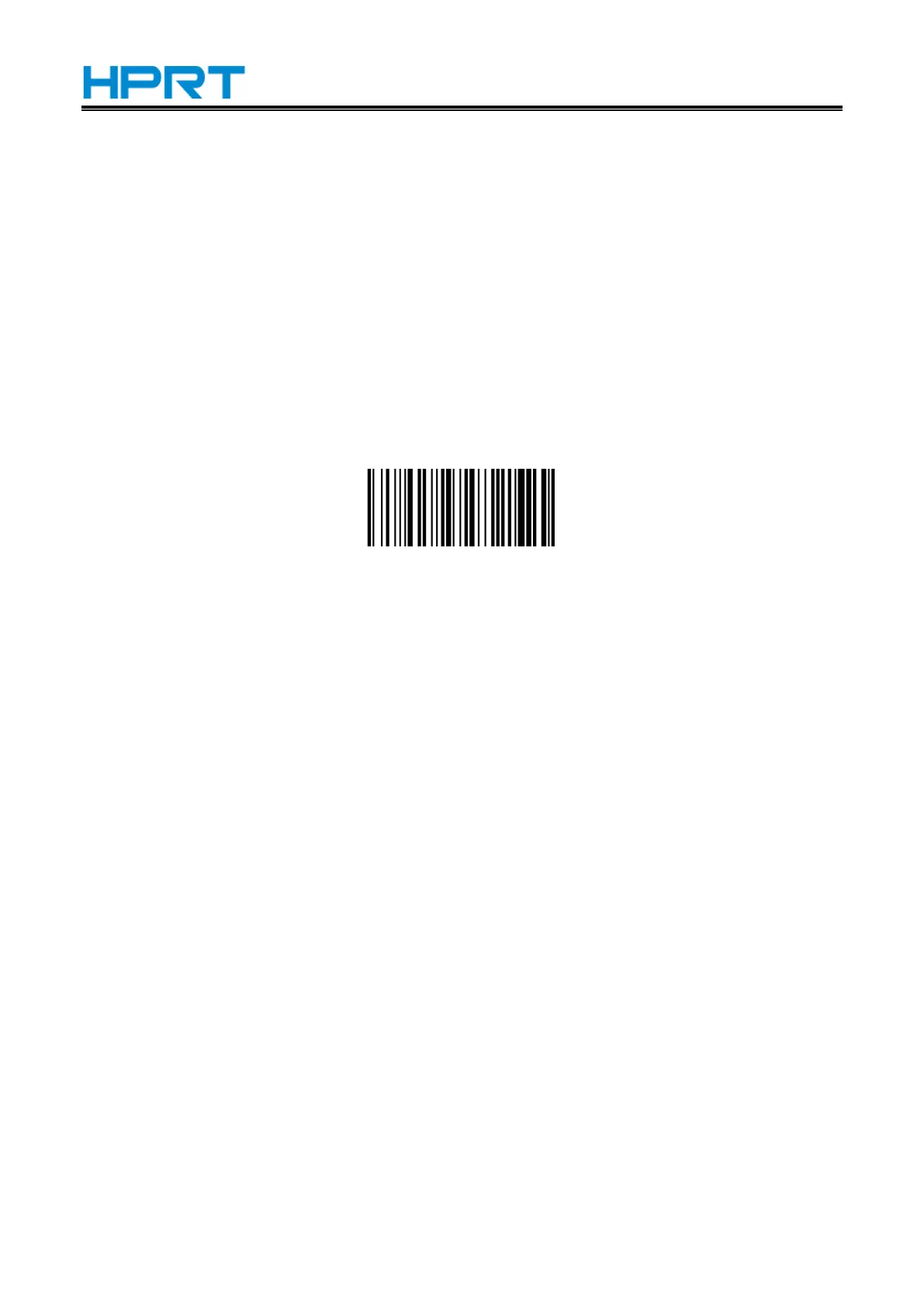
Restore Factory Defaults
Note: Please use the "Restore Factory Defaults" function carefully, and when you scan this setup
barcode, the current parameter settings will be lost and replaced with the factory default values.
Restore Factory defaults


 To Next Page