Chapter 2 Communication Interface
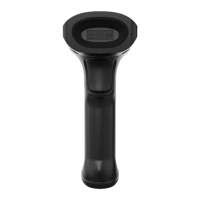
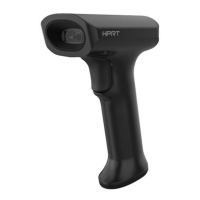
N130 Handheld Barcode Scanner provides RS-232 serial interface and USB interface (optional) to
connect to the host. Through communication interfaces, it can receive and read the data, control the
scanner by sending the commands, and modify the parameter of scanner, etc.
Serial Interface
Serial interface is a common way to connect the scanner to the host (e.g. PC, POS devices). N130
handheld scanner provides RS-232 electrical level interface, which can directly connect to PC’s serial
interface. When using serial interface, the scanner and the host should be completely match with
each other on communication parameter configuration, to ensure fluent communication and correct
content.
The default serial interface parameter is as below shown, when it is inconsistent with the host, it can
be modified by Read Setting Barcode.


 To Next Page