9
PGM-FI Setting
How to change air-fuel ratio
You may change values in the range from –30% to +30%.
0% is the standard setting.
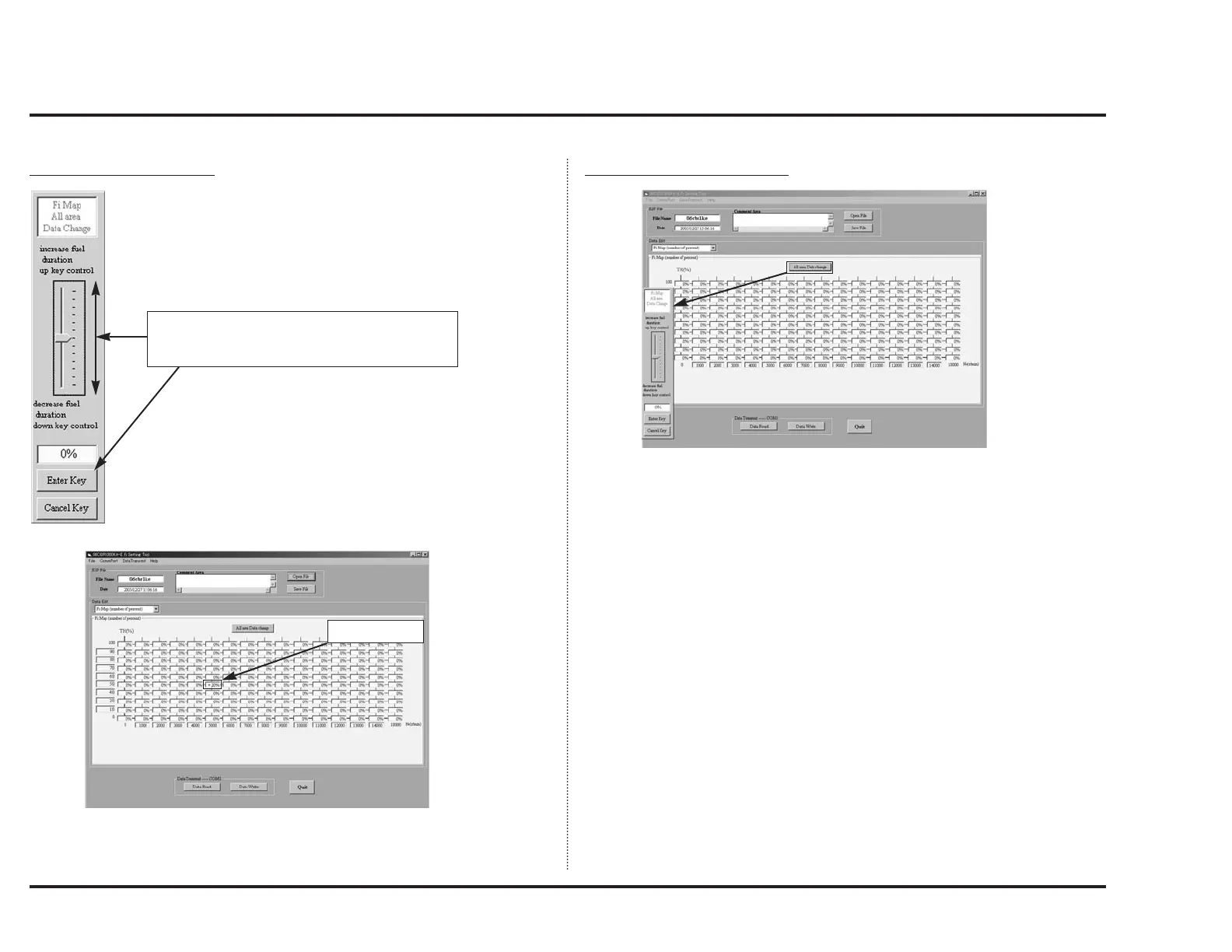
How to change data of all area
When you click “All area Data change”, the screen will be like above.
This screen enables you to off set all data. Click “Enter Key” to have change
take effect.
Only, be aware that this operation makes all data be the same value.
Make change using mouse or up/down keys.
Click “Enter Key” to make the change take effect.
Click “Cancel Key” to abort the process.
After change



 To Next Page