PGM-FI Setting
10
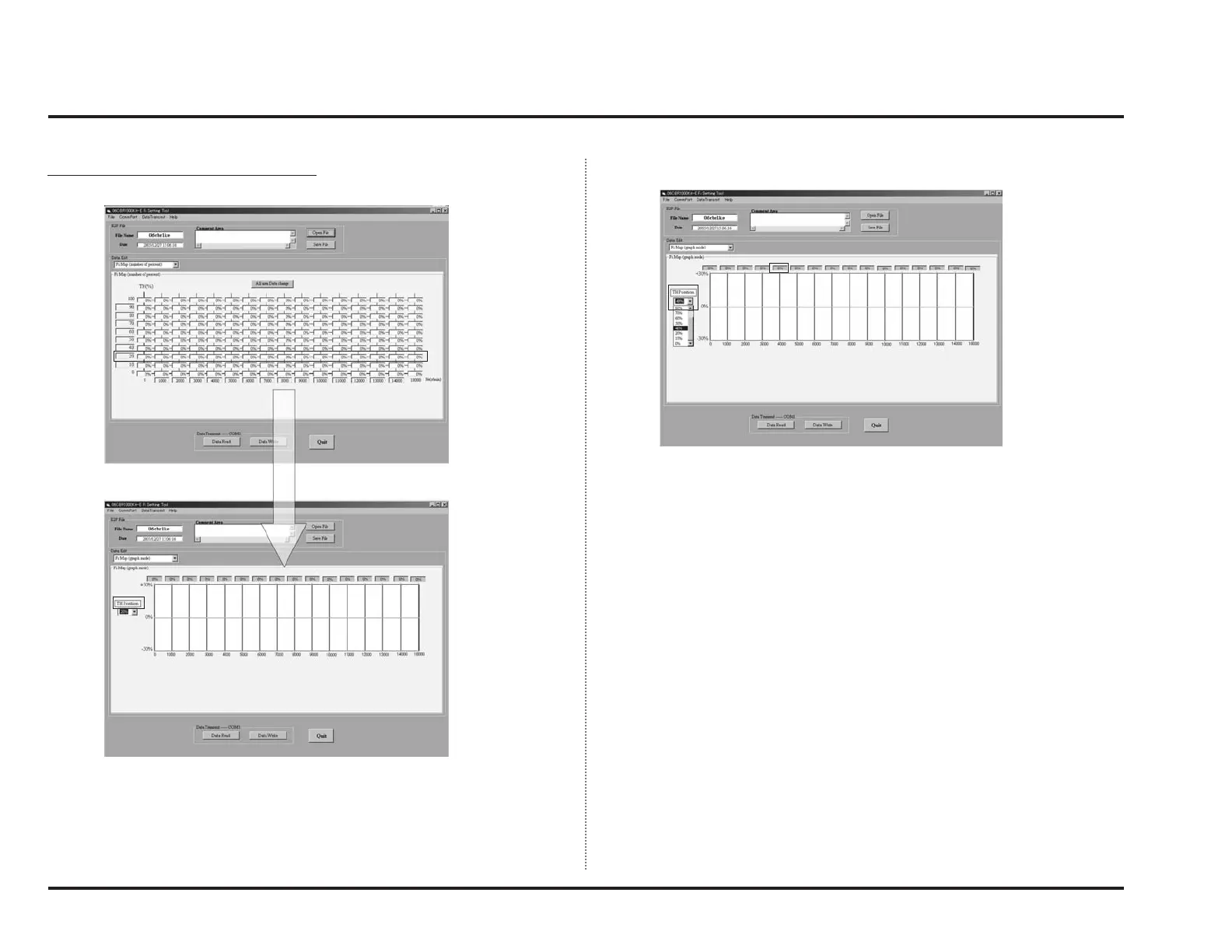
2. Changing air-fuel ratio (graph display)
Graph mode displays a horizontal axis of map display graphically.
When you select “Fi Map (graph mode)”, a screen like below will appear.
To change data, select TH position you wish to adjust.
Present status of setting will be graphically displayed along with engine speed
by TH positions.
Here, click correction value display of the engine speed you wish to adjust.



 To Next Page